
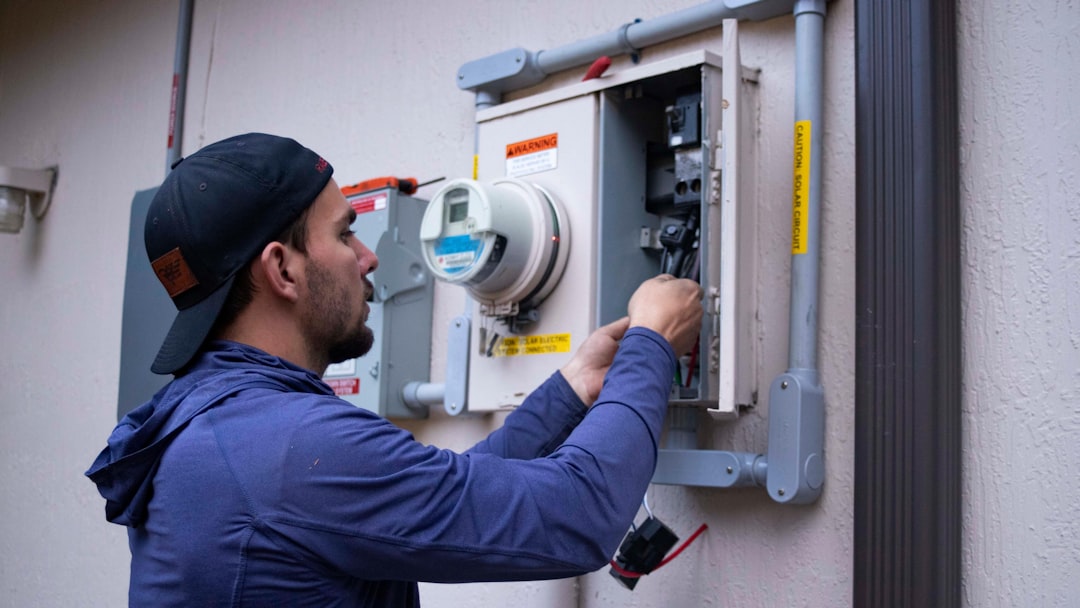

So, you’re running an HVAC business, and things are starting to hum. More calls, more jobs, and definitely more confusion about who’s doing what, where, and when. You’re probably wondering if there’s a simpler way to manage all that fieldwork. The short answer? Yes, and it’s called HVAC field service dispatch software. Think of it as your team’s central command, making sure everyone’s in the right place at the right time, with the right information. It’s not magic, but it’s pretty darn close to making your growing team’s operations run a whole lot smoother.
Let’s face it, as your business blossoms, relying on sticky notes, overflowing whiteboards, or even just a chaotic group text for dispatching isn’t going to cut it anymore. It’s a recipe for missed appointments, unhappy customers, and stressed-out technicians. Field service dispatch software is designed to tackle these growing pains head-on. It’s not just about assigning tasks; it’s about creating an organized, efficient system that saves you time, money, and a whole lot of headaches. For a growing team, it’s less a luxury and more a necessity to maintain quality and scale effectively.
The Real Cost of Manual Dispatching
Think about the time your office staff spends on the phone, trying to track down technicians, relaying customer details, and then scrambling to find the next available person when a cancellation happens. That’s time they could be spending on sales, marketing, or improving customer service. And for your technicians? Driving around with incomplete job details, showing up to the wrong address, or wasting time waiting for instructions leads to lost productivity and wasted fuel. The tangible costs add up quickly: missed revenue due to inefficient scheduling, potential rework from errors, and customer churn from poor service experiences.
What “Dispatch Software” Actually Does
At its core, HVAC field service dispatch software acts as the digital brain for your mobile workforce. It allows your office team to see the full picture: who your technicians are, where they are, what their current status is (en route, on-site, finished), and what jobs they have scheduled. It then uses this information to efficiently assign new work, reroute technicians if needed, and ensure all necessary details are transmitted seamlessly to the field. It’s about bringing order to the potential chaos of a busy service operation.
Beyond the Basics: Key Features Your Dispatch Software Must Have
When you’re looking at dispatch software, don’t just grab the first shiny option. Your growing team has specific needs, and the right software will address them. You want something that’s more than just a digital rolodex; it needs to be a powerful tool that streamlines operations from start to finish.
Intelligent Scheduling and Routing
This is where the real magic happens for efficiency. Good dispatch software doesn’t just let you assign a job; it helps you do it with intelligence.
Geo-location and Real-time Tracking
Imagine seeing your entire team on a map, in real-time. This allows dispatchers to see who’s closest to a new job or who’s finishing up nearby. It eliminates guesswork and ensures you’re sending the most efficient technician, saving on travel time and fuel.
Skill-Based Assignment
Not all HVAC jobs are the same. Some require specialized skills (e.g., refrigeration, specific brand expertise). The software should allow you to tag technicians with their capabilities and then intelligently match those skills to the requirements of incoming service calls. This means the right person gets the job the first time.
Optimized Route Planning
Instead of technicians crisscrossing town, the software can help plan the most efficient routes for their daily schedules. This minimizes drive time, saves fuel, and allows them to complete more jobs in a day. Some advanced systems even dynamically reroute technicians based on traffic and new urgent calls.
Streamlined Communication and Information Flow
Clear, consistent communication is the bedrock of any successful field service operation. Software can drastically improve this.
Centralized Job Information
All the details about a job – customer contact info, service history, equipment details, troubleshooting notes, even photos – live in one central, easily accessible place. This means technicians arrive prepared, and can update information on the go.
Mobile Access for Technicians
This is non-negotiable. Your technicians need access to job details, customer information, and the ability to update their status, log work performed, and even collect payments right from their mobile devices. No more paper forms or waiting to get back to the office to update records.
Automated Notifications
Keep everyone in the loop. The software can automatically notify customers when a technician is on their way, confirm arrival, and even send follow-up reminders. Internally, it can alert technicians to new assignments or schedule changes.
Making Your Technicians More Productive (and Happier)
Your technicians are the face of your business in the field. Empowering them with the right tools makes their lives easier, which in turn makes your business run better.
The Power of a Mobile Field App
The mobile application is where your technicians live their workdays. It’s not just about receiving assignments.
Digital Work Orders and Checklists
Say goodbye to smudged carbon copies. Technicians can access digital work orders, complete checklists for routine maintenance, and document their findings with photos. This ensures consistency and accuracy.
Inventory Management on Mobile
Can your technicians see what parts they have on their truck? More importantly, can they easily record what they used? Software that syncs with inventory allows them to update stock levels in real-time, preventing surprise “out of stock” situations on job sites.
Customer Signature Capture
For invoicing and job completion sign-offs, having the ability to capture a customer’s electronic signature directly on the mobile device adds a professional touch and speeds up billing.
Reducing Administrative Burden
When technicians spend less time on paperwork, they have more time for billable work.
Automated Time Tracking
Instead of manual time sheets, the app can automatically track when technicians start and end jobs, or when they are en route. This improves accuracy for payroll and allows for better job costing.
Easy Reporting and Documentation
Technicians can submit completed job reports, photos, and notes directly from their mobile devices. This reduces the need for them to go back to the office to file paperwork and ensures information is captured while it’s fresh.
Seamlessly Managing Customer Relationships
Happy customers are repeat customers. Dispatch software plays a vital role in ensuring every interaction is positive.
Enhancing the Customer Experience
From the moment a customer calls to job completion, dispatch software can elevate their experience.
Accurate ETAs and Immediate Updates
Customers appreciate knowing when to expect their technician. Real-time tracking allows for accurate appointment windows and immediate notifications if there are delays.
Professionalism and Preparedness
When technicians arrive with all the right information at their fingertips, they appear more professional and prepared. This builds confidence and trust.
Faster Invoice and Payment Processing
With digital work orders and potentially integrated payment systems, you can get invoices out to customers much faster, leading to quicker payment cycles.
Building a Knowledge Base
Every completed job is an opportunity to learn. The software helps build a valuable history.
Service History Access
Technicians and office staff can easily access a customer’s entire service history. This helps them diagnose new issues faster and offer more personalized service.
Common Issue Tracking
Over time, you can analyse repair data to identify common problems with specific equipment models or types of installations. This can inform training and even preventative maintenance recommendations.
Choosing the Right Software for Your Growing Team
| Feature | Description |
|---|---|
| Work Order Management | Track and manage work orders efficiently |
| Dispatching | Assign and schedule jobs to field technicians |
| Mobile Access | Access software on mobile devices for on-the-go work |
| Inventory Management | Track and manage parts and equipment inventory |
| Customer Management | Store customer information and history for easy access |
| Reporting | Generate reports on performance and productivity |
Picking the right software isn’t a one-size-fits-all situation. What works for a solo operator might not cut it for a team of ten.
What to Look For in a Vendor
The software is important, but so is the company behind it.
Scalability and Flexibility
As your team grows, your software needs will evolve. Ensure the software can scale with you, and that it’s flexible enough to adapt to your specific workflows.
User-Friendliness
If the software isn’t easy for your dispatchers and technicians to use, they won’t use it effectively. Look for intuitive interfaces and consider demoing the software with your team.
Integration Capabilities
Does the software integrate with your existing systems, like accounting software or CRM? This can save a lot of manual data entry and streamline your overall operations.
Support and Training
When you’re in the thick of it, good support is crucial. What kind of training is offered? How responsive is their customer support?
Understanding Pricing Models
Software pricing can vary significantly.
Subscription vs. One-Time Purchase
Most modern field service software is subscription-based, offering ongoing updates and support. Understand what’s included in the subscription fee.
Per-User or Per-Feature Pricing
Some systems charge based on the number of users (technicians, dispatchers), while others might have tiered pricing based on the features you need. Get a clear breakdown of all costs.
Implementing Dispatch Software: Making the Transition Smooth
You’ve chosen your software, now comes the tricky part: getting everyone onboard and using it effectively.
Planning for Rollout
Don’t just flip a switch and expect everyone to be an expert.
Phased Implementation
Consider rolling out the software in stages. Start with a pilot group of technicians or one specific function (e.g., scheduling) before going company-wide.
Comprehensive Training
Invest in thorough training for all users. This includes both office staff and field technicians. Different roles will require different levels of training.
Gathering Feedback
Actively solicit feedback from your team during and after the rollout. What’s working well? What are the pain points? Use this feedback to make adjustments.
Overcoming Resistance to Change
It’s natural for people to be hesitant about new tools.
Communicating the “Why”
Clearly explain the benefits of the software to your team. How will it make their jobs easier, reduce stress, and improve efficiency?
Involving Your Team
Get input from your technicians and dispatchers during the selection process if possible. When people feel heard and involved, they are more likely to embrace change.
Leading by Example
Management needs to champion the software. If dispatchers and supervisors are actively using and promoting the system, it encourages others to do the same.
Your growing HVAC business deserves tools that can keep up. HVAC field service dispatch software isn’t just about managing tasks; it’s about building a more efficient, organized, and profitable operation. By understanding what to look for and how to implement it effectively, you can equip your team for success and ensure your business continues to thrive.
