
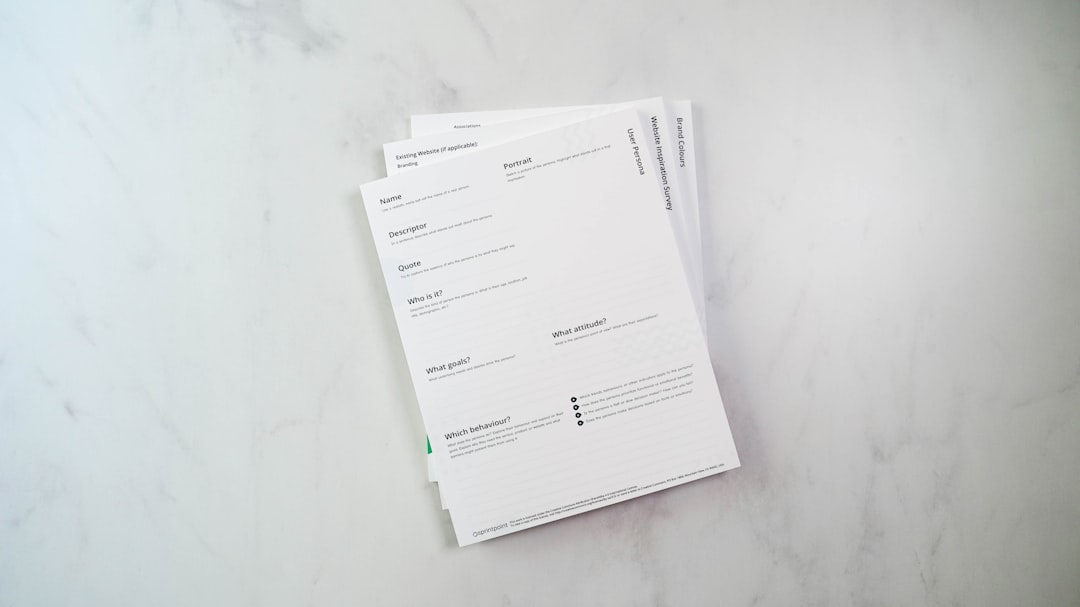

Getting new trade contractors set up and ready to go can feel like a marathon sometimes, right? You’ve found the right people, but then comes the paperwork. Lots and lots of paperwork. We’re talking about getting them signed up, confirming they’ve got the right credentials, and making sure everyone is on the same page before they even set foot on a job. It’s essential for smooth operations, but frankly, a clunky onboarding process can slow everything down and even lead to mistakes.
So, how do you make this whole process less of a headache and more efficient? The answer lies in customizable trade contractor forms. Think of them as your secret weapon for a streamlined, effective onboarding experience that benefits both you and your contractors.
Why Traditional Onboarding is a Bottleneck
Let’s be honest, the old way of doing things – piles of paper, endless email chains, chasing down missing signatures – isn’t exactly cutting it in today’s busy world. It’s a recipe for delays, errors, and a whole lot of frustration for everyone involved.
The Paper Chase Nightmare
Remember the days of overflowing filing cabinets and the constant fear of losing a crucial document? For many, this is still the reality of onboarding. Manual data entry, physical signatures, and mailing documents all contribute to significant time delays. Plus, the risk of human error in transcribing information is high.
Lost in the Mail Blues
Sending forms by mail can take days, even weeks, especially if there are multiple back-and-forth exchanges. This delays project start dates and can impact your bottom line.
The Photocopy Predicament
Making copies, scanning, and then emailing – it’s a tedious process that eats up valuable administrative time. And then there’s the issue of version control; which copy is the most up-to-date?
Generic Forms That Miss the Mark
Many businesses rely on one-size-fits-all forms. While seemingly convenient, these often don’t capture the specific information you truly need for different types of trade contractors or even certain projects. This leads to either missing critical data or collecting redundant information, both of which are inefficient.
Missing Key Insurance Details
For instance, a plumbing contractor might need specific liability insurance that a landscaping contractor doesn’t. A generic form might not have fields to capture these nuances.
Redundant Data Collection
Conversely, you might be asking for information you’ll collect later in another document, or information that simply isn’t relevant to a particular trade. This wastes the contractor’s time and yours.
Communication Breakdowns and Delays
When information isn’t collected accurately or efficiently, communication suffers. This can lead to misunderstandings about scope, payment terms, or compliance requirements, all of which can derail projects.
“Did You Get My Email?” Syndrome
Chasing down contractors for missing information through email can be demoralizing. You’re never quite sure if they’ve received it, or if they’re just busy. Those endless reply-all chains can be a nightmare to navigate.
Project Kick-off Conundrums
Imagine starting a project and realizing a contractor’s license has expired or their insurance isn’t up to par. This kind of oversight can cause significant project delays and costly rework.
The Power of Customization for Your Forms
This is where customizable forms swoop in to save the day. It’s about tailoring your onboarding documents to specifically suit your needs and the needs of the contractors you work with. It’s not about making things complicated; it’s about making them smarter and more efficient.
Tailoring to Your Business Needs
Unlike generic templates, customizable forms allow you to include precisely the fields your business requires. This means you get the exact information you need, when you need it, without any unnecessary clutter.
Capturing Essential Compliance Data
For example, you can build in fields to automatically track certifications, licenses, and insurance policies, ensuring all contractors meet your specific compliance standards before work begins.
Specific Project Requirements
If some projects require unique safety certifications or specialized equipment lists, you can create forms that specifically ask for this information, preventing surprises down the line.
Cater to Different Trade Specializations
Not all trade contractors are created equal, and their onboarding needs can vary. Customization allows you to create different form versions for different trades, ensuring you collect relevant information for each.
Electricians vs. Carpenters
An electrician will have different licensing and certification needs than a carpenter. You can create specific onboarding forms that highlight these unique requirements.
New vs. Existing Contractors
You might also want different forms for brand-new contractors compared to those you’ve worked with before, streamlining the process for familiar faces.
Streamlining Data Collection and Verification
When forms are designed to capture specific data, verification becomes much simpler. You can often integrate with other systems or use automated checks to ensure accuracy, significantly reducing manual effort.
Automated Verification Checks
Imagine a field for a contractor’s license number that can automatically ping a licensing board database (if integrated) to confirm its validity. This saves immense manual work.
Digital Submission and Storage
Customizable forms are typically digital, meaning contractors can fill them out and submit them online. This eliminates the need for printing, scanning, and mailing, and ensures all data is stored in an organized, accessible digital format.
Building Your Customizable Forms: Key Components
So, what actually goes into these customizable forms? It’s more than just changing a few fields. It’s about strategic design to gather what matters most for a smooth onboarding process.
Essential Identification and Contact Information
This is the bread and butter of any onboarding. Beyond the basics, think about what contact points you’ll need during a project.
Primary Contact Details
Name, company name, phone number, email address – the standard stuff.
Emergency Contact and Billing Contact
Who do we call if there’s an issue on-site? Who handles invoicing? Having this clearly defined upfront is crucial.
Business and Insurance Documentation
This is where compliance really comes into play. You need to be sure your contractors are legally set up and insured.
Business Registration and Licenses
Gather details on their business registration, tax identification numbers, and any relevant trade licenses.
Insurance Certificates and Policies
This is critical. You’ll need to capture:
- Policy Type: General liability, workers’ compensation, auto liability, etc.
- Policy Number: For easy reference.
- Coverage Limits: Ensure they meet your minimum requirements.
- Expiration Dates: Crucial for proactive renewal management.
- Named Insured: Confirming your company is listed as an additional insured.
Skills, Certifications, and Qualifications
This section should be tailored to the specific trades you hire. It’s about ensuring they have the expertise for the job.
Trade-Specific Licenses and Certifications
For example, an HVAC technician will need specific EPA certifications, while an electrician needs state electrical licenses.
Safety Training Records
OSHA certifications, site-specific safety training, or any other relevant safety qualifications can be documented.
Specialized Equipment and Tools
If certain jobs require specific machinery or tools, you can ask contractors to list their available equipment.
The Implementation Process: Making it Happen
Creating customizable forms isn’t just about having the right fields; it’s about a thoughtful process to get them into use and ensure they work for everyone.
Choosing the Right Platform or Tool
You’ll need a system that allows for this level of customization. This could be a dedicated contractor management system, a robust CRM with form-building capabilities, or even specialized digital form software.
Dedicated Contractor Management Software
These platforms are built specifically for managing trade contractors and often have robust form customization and automation features.
CRM or Project Management Software with Form Builders
Many existing business tools offer form-building capabilities that can be adapted for contractor onboarding.
Specialized Digital Form Software
There are many online tools designed for creating and managing forms that can be tailored to your needs.
Designing User-Friendly Forms
Just because a form is customizable doesn’t mean it needs to be complicated. Focus on clarity and ease of use for the contractor.
Clear Instructions and Field Labels
Use straightforward language. Avoid jargon or internal abbreviations that contractors might not understand.
Conditional Logic for Smart Forms
This is a game-changer. Conditional logic means certain fields only appear if a previous answer is given. For example, if a contractor selects “electrician,” only electrician-specific questions appear.
Mobile Responsiveness
Many contractors will be completing these forms on their phones or tablets. Ensure the forms look and function well on any device.
Training and Support for Contractors
Don’t just send out new forms without guidance. A little upfront effort can make a big difference in adoption.
Clear Communication About Changes
Explain why you’re using new forms and the benefits for them (e.g., faster payment processing).
Providing Clear Instructions on How to Complete
Offer a simple guide or a quick tutorial video if necessary.
Dedicated Support Channel
Have a point of contact for contractors who have questions or run into issues with the forms.
Benefits That Go Beyond Onboarding
The impact of customizable trade contractor forms extends far beyond that initial setup phase. They can positively influence your entire operational flow.
Reduced Administrative Burden and Costs
Automating data collection and verification frees up your administrative staff from tedious manual tasks. This translates to more time for strategic work and significant cost savings.
Less Paperwork, Less Headache
Fewer manual data entry errors mean less time spent correcting mistakes. Digital forms also eliminate printing, postage, and physical filing costs.
Staff Reallocation
Your administrative team can focus on higher-value tasks, such as vendor relations, project support, or strategic planning, rather than chasing down forms.
Improved Compliance and Risk Mitigation
Ensuring contractors have the necessary certifications, licenses, and insurance is paramount. Customizable forms make this process robust and traceable.
Proactive Identification of Gaps
By clearly defining and collecting required documentation, you can immediately flag any missing or expired credentials, preventing non-compliant work.
Audit Trails and Record Keeping
Digital forms create clear audit trails, providing a comprehensive record of all information submitted by contractors, which is invaluable in case of disputes or audits.
Faster Project Mobilization and Increased Efficiency
When contractors can onboard quickly and smoothly, projects can get started faster, leading to improved timelines and resource utilization.
Quicker Access to the Job Site
A streamlined onboarding process means contractors can begin their work without unnecessary delays, keeping your projects on schedule.
Enhanced Collaboration and Communication
Having accurate and readily available contractor information improves communication between your team, the contractors, and other stakeholders, leading to better project outcomes.
Enhanced Contractor Relationships
When the onboarding process is easy and transparent, it sets a positive tone for your relationship with trade contractors.
Professional and Organized Impression
A well-designed, efficient onboarding process demonstrates your company’s professionalism and organization, fostering trust with potential contractors.
Valued Partnerships
Making it easy for contractors to work with you ensures they’re more likely to be repeat partners, building a reliable network of skilled professionals.
In essence, investing in customizable trade contractor forms isn’t just about fixing a paperwork problem. It’s about building a more efficient, compliant, and ultimately, more profitable operation. It’s about setting yourself and your contractors up for success from day one.
