
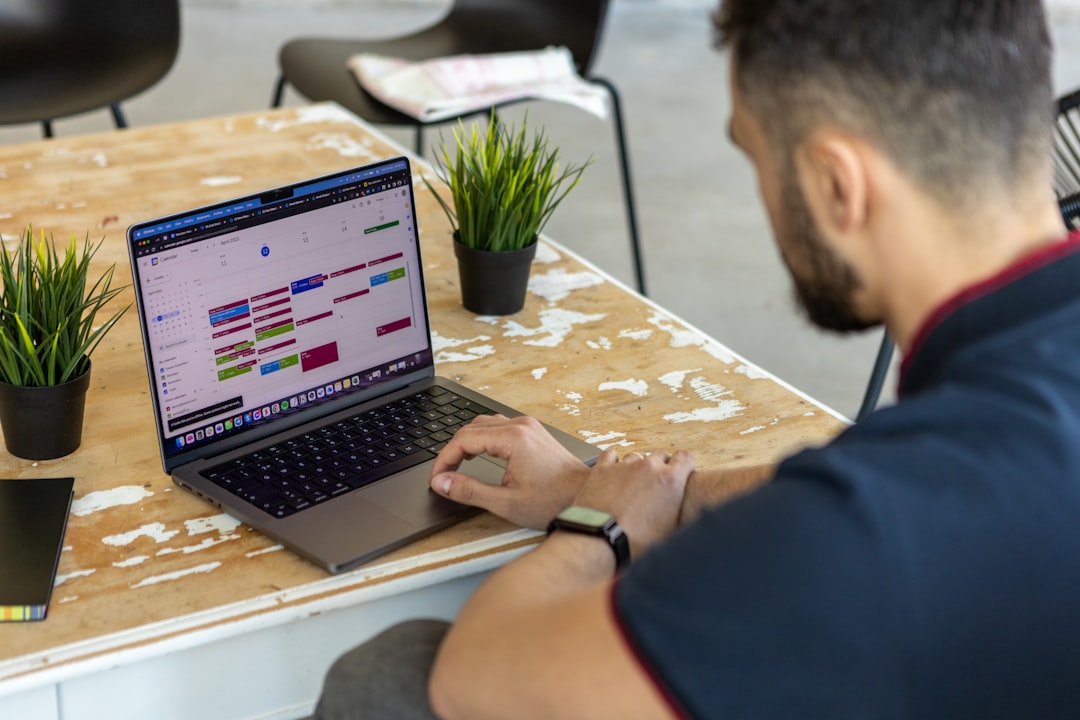

So, you’re wondering if scheduling software is a good fit for your fire alarm and sprinkler service company? The short answer is a resounding “yes.” In today’s fast-paced world, relying on manual methods like whiteboards, spreadsheets, or even just memory for managing your technicians and service calls is a recipe for headaches, missed appointments, and ultimately, lost revenue. Scheduling software is designed to streamline your operations, improve efficiency, and give you a clearer picture of your business. It’s not just about booking appointments; it’s about optimizing routes, managing technician availability, tracking job progress, and ultimately, keeping your clients safe and compliant.
Let’s be honest, running a fire alarm and sprinkler service company is complex. You’ve got preventative maintenance, emergency call-outs, installations, inspections, and a whole lot of compliance to juggle. Trying to manage all of this without a dedicated system can feel like herding cats.
The Pain of Manual Scheduling
Think about the time your office staff spends on the phone, trying to coordinate schedules. Or the frustration of a technician driving across town for a service call only to find out it was already handled by someone else. Manual scheduling often leads to:
- Double bookings: Sending two technicians to the same job, wasting valuable time and resources.
- Missed appointments: Forgetting to schedule a crucial inspection, potentially leading to compliance issues and unhappy clients.
- Inefficient routing: Technicians spending more time on the road than on actual work, burning fuel and productivity.
- Difficulty tracking progress: Not knowing where your technicians are or what they’re working on at any given moment.
- Paperwork nightmares: Mountains of invoices, work orders, and inspection reports that are hard to organize and even harder to retrieve.
The Clear Advantages of Automation
This is where scheduling software steps in. It takes those manual, error-prone processes and automates them, freeing up your team to focus on more important tasks. Imagine:
- Real-time visibility: Knowing exactly where every technician is and what they’re doing.
- Optimized routes: Reducing travel time and fuel costs.
- Automated reminders: Ensuring both your technicians and clients are prepared for upcoming appointments.
- Centralized data: All client information, service history, and compliance documents in one easy-to-access location.
- Improved accountability: Clear records of who did what, when, and where.
It’s about making your business run smoother, more efficiently, and with less stress. It’s not a magic bullet, but it’s a powerful tool that can significantly impact your bottom line and customer satisfaction.
Key Features to Look For
Not all scheduling software is created equal. When you’re evaluating options, it’s crucial to consider the specific needs of a fire alarm and sprinkler service company. You’re not just booking dog grooming appointments; you’re dealing with critical safety systems.
Scheduling and Dispatching Power
This is the core functionality, but how well it’s implemented makes all the difference.
- Drag-and-drop interface: Making it easy to move appointments around, assign technicians, and adjust schedules on the fly. No one wants to fight with clunky software when a fire alarm emergency comes in.
- Recurring service scheduling: For preventative maintenance (quarterly inspections, annual tests), the ability to set up recurring jobs automatically is a huge time-saver. You shouldn’t have to manually re-enter these every time.
- Skills-based scheduling: Can the software identify which technician has the specific certifications or expertise needed for a particular fire panel model or sprinkler system type? This prevents sending the wrong person to a specialized job.
- Emergency dispatch capabilities: When an urgent call comes in, you need to quickly identify the nearest available and qualified technician. The software should make this process seamless.
- Customer portal: Allowing clients to request appointments or view upcoming service dates can reduce inbound calls and improve transparency.
Technician Management and Mobility
Your technicians are your boots on the ground. The software needs to empower them, not hinder them.
- Mobile app for technicians: This is non-negotiable. Technicians need to access their schedules, job details, client contact information, and equipment manuals from their phones or tablets.
- Real-time job updates: As soon as a technician completes a job or encounters an issue, that information should be updated in the system, visible to dispatch and other relevant staff.
- GPS tracking and navigation: Helps with routing, provides estimated arrival times for clients, and can offer proof of service.
- Digital work orders and checklists: Eliminating paper forms means less admin work for technicians and less data entry back at the office. This also ensures all necessary steps are followed during inspections or repairs.
- Photo and video capture: Technicians should be able to document issues, completed work, and compliance evidence directly within the app.
Customer Relationship Management (CRM)
Keeping track of your clients and their specific needs is vital for repeat business and compliance.
- Detailed client profiles: Beyond just contact information, you need to store details about their fire alarm system model, sprinkler system type, previous service history, installed equipment, and any specific access requirements.
- Service history at a glance: When a technician arrives on-site, they should instantly see the client’s past service records, what was done, and any recurring issues. This saves time and projects professionalism.
- Automated client communications: Send appointment reminders, service completion notifications, and follow-up emails. This improves customer satisfaction and reduces no-shows.
- Compliance documentation: Easily access past inspection reports, deficiency lists, and repair records for audits or client inquiries.
Integrating With Your Existing Tools
A standalone scheduling tool is good, but one that plays nicely with your other business software is even better. You don’t want to create new data silos or duplicate data entry.
Accounting and Invoicing
No one enjoys manual invoicing, especially when it comes to tracking parts, labor, and specific compliance fees.
- Seamless integration with QuickBooks, Xero, or other accounting software: This automatically pushes completed job data (hours, materials, services rendered) directly into your invoicing system. This dramatically speeds up billing and reduces errors.
- Automated invoice generation: Based on completed work orders, invoices can be drafted or even sent automatically.
- Payment processing integration: Some systems allow technicians to collect payments on-site, further streamlining the financial process.
Inventory Management
For a fire alarm and sprinkler company, knowing what parts you have on hand and what you need to order is crucial.
- Tracking parts used on jobs: Technicians can log parts consumed directly from the field, updating inventory in real-time.
- Low stock alerts: Get notifications when certain critical components are running low, so you can reorder before you run out.
- Integration with supplier systems: Some advanced systems can even link directly with your suppliers for automated reordering.
Other Useful Integrations
Think about any other software your business relies on.
- Mapping and GPS services: Most scheduling software will integrate with Google Maps or similar for route optimization.
- Communication tools: Some offer integration with email platforms or even text messaging services for client and technician communication.
- Reporting and analytics tools: While many scheduling systems have built-in reporting, integration with more powerful analytics platforms can provide deeper insights into your operational efficiency.
The goal here is to create a unified system where information flows freely, reducing manual effort and improving data accuracy across your entire operation.
Choosing the Right Software: A Practical Approach
With so many options out there, how do you pick the one that’s right for your fire alarm and sprinkler service company? It’s not about finding the most feature-rich or the cheapest; it’s about finding the best fit for your specific needs and budget.
Define Your Needs First
Before you even start looking at software, sit down with your team (office staff, technicians, management) and clearly define your “must-haves” and “nice-to-haves.”
- What are your biggest pain points with your current system? (e.g., “We waste too much time on paperwork,” “We often double-book technicians,” “We can’t easily track compliance documents.”)
- What specific features are absolutely critical for your business? (e.g., “Must have mobile app,” “Needs recurring job scheduling,” “Must integrate with QuickBooks.”)
- What’s your budget? Be realistic about what you can afford, both upfront and for ongoing subscriptions.
- How many users will you have? (Technicians, dispatchers, admin staff.)
Research and Shortlist
Once you have your requirements, start researching. Look for software specifically designed for field service management or for trades like HVAC, plumbing, or electrical, as these often have similar needs to fire and sprinkler services.
- Read reviews: Check independent review sites (Capterra, G2, Software Advice) for honest feedback from other users. Pay attention to comments about customer support, ease of use, and specific features.
- Look for industry-specific solutions: Some software providers cater specifically to fire and life safety. These might offer features tailored to compliance, specific equipment, or reporting unique to your industry.
- Ask for recommendations: Talk to other fire alarm or sprinkler companies (if you’re comfortable) about what they use and what they like/dislike.
Demos and Free Trials
This is a crucial step. Don’t just read about the software; see it in action.
- Schedule personalized demos: Get a guided tour from the vendor, but make sure they focus on your specific needs and show you how the software addresses your pain points. Don’t be afraid to ask tough questions.
- Take advantage of free trials: If available, get your hands on the software. Assign a few key team members (a dispatcher, a technician) to try it out. See how intuitive it is, how easy it is to set up, and if it truly meets your daily operational needs.
- Test on different devices: Make sure the mobile app works well on the types of phones/tablets your technicians use.
Consider Implementation and Support
Buying the software is only the first step. You need to be able to actually use it effectively.
- Onboarding and training: What kind of support does the vendor offer during implementation? Do they provide training for your staff?
- Ongoing customer support: If you run into issues or have questions, how quickly and effectively can you get help? Look for multiple support channels (phone, email, chat).
- Scalability: Can the software grow with your business? If you add more technicians or expand your services, will the software be able to handle it without major overhauls?
Choosing the right software is an investment, not just in money, but in time and effort. A thorough evaluation process will help ensure you make the best decision for your company’s future.
Beyond Scheduling: The Bigger Picture Benefits
| Features | Benefits |
|---|---|
| Job scheduling | Efficiently assign and track service appointments |
| Customer database | Store and access customer information for quick service |
| Mobile access | Technicians can access schedules and update job status on the go |
| Inventory management | Track and manage parts and equipment for service jobs |
| Reporting and analytics | Gain insights into service performance and business operations |
While scheduling is at the heart of these platforms, the ripple effects throughout your business can be profound. It’s not just about efficiency; it’s about making smarter business decisions and providing better service.
Improved Compliance and Safety
For fire alarm and sprinkler companies, compliance isn’t optional – it’s a matter of life and death.
- Digital record-keeping: All inspection reports, service dates, deficiency notices, and repair records are stored digitally, making them easy to retrieve for audits, client inquiries, or insurance purposes. This greatly reduces the risk of lost or misplaced paperwork.
- Automated compliance checks: Some advanced systems can flag overdue inspections or remind you about upcoming regulatory deadlines.
- Consistent service delivery: Digital checklists ensure technicians follow all required steps during inspections and maintenance, reducing human error and ensuring adherence to safety standards.
- Proof of service: GPS tracking and time-stamped work orders provide verifiable proof that services were rendered, which can be critical in liability situations.
Better Customer Experience
Happy customers are repeat customers, and they’re more likely to refer your business.
- Reliable service: Fewer missed appointments, more accurate arrival times, and consistent service delivery build trust and satisfaction.
- Proactive communication: Automated reminders and updates keep clients informed, reducing their need to call your office for status updates.
- Personalized service: Technicians having instant access to service history allows them to provide more informed and tailored advice, making clients feel valued.
- Faster issue resolution: With all information at their fingertips, technicians can diagnose and resolve issues more quickly.
Enhanced Business Intelligence
Data is power, and scheduling software collects a lot of it.
- Performance metrics: Track key performance indicators (KPIs) like average job duration, technician utilization rates, first-time fix rates, and travel time vs. work time.
- Profitability analysis: Understand which services or clients are most profitable, allowing you to optimize your service offerings and pricing.
- Resource allocation: Use historical data to forecast demand and make better decisions about technician hiring, fleet expansion, and inventory levels.
- Identify bottlenecks: Pinpoint areas where your operations are slowing down or causing inefficiencies, so you can address them proactively.
In essence, scheduling software is more than just a calendar tool. It’s a comprehensive operational platform that can transform how your fire alarm and sprinkler service company manages its day-to-day activities, improves client relationships, ensures compliance, and ultimately, drives growth and profitability. It’s an investment that, when chosen and implemented correctly, will pay dividends for years to come.
