
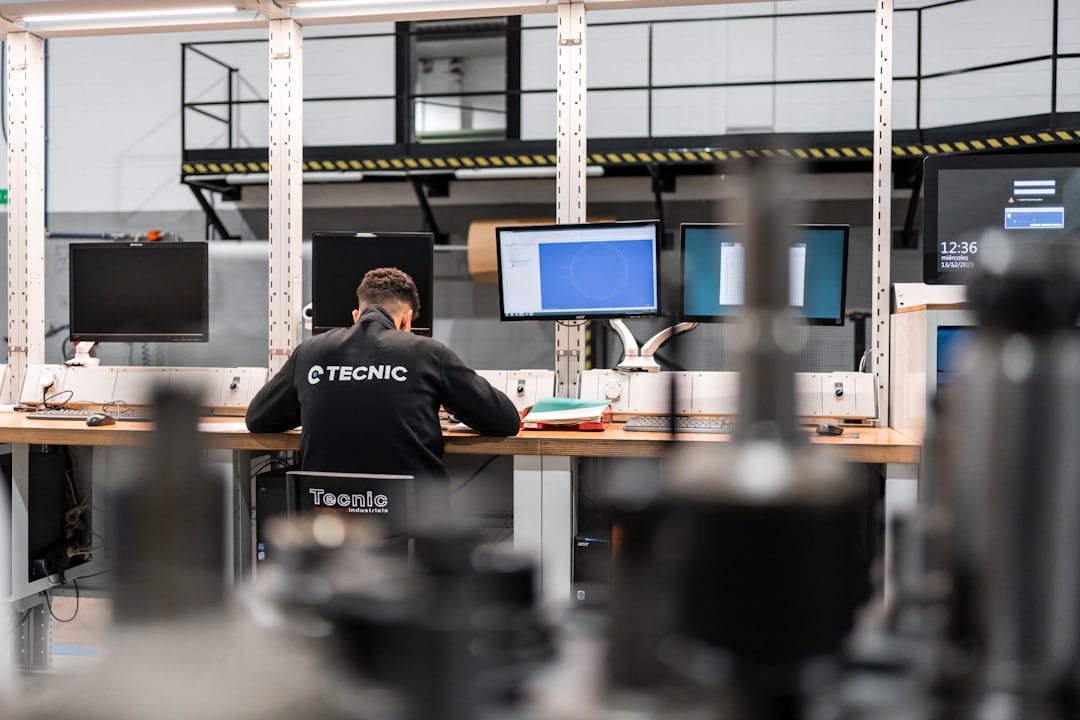

So, you’re wondering how to make sure your field service technicians are spending their time wisely and getting paid accurately, all at the same time? It’s a common challenge, and the good news is, it’s definitely achievable. The core of maximizing efficiency here lies in seamlessly integrating your time tracking system with your payroll processes. This isn’t just about clocking in and out; it’s about having a clear, automated picture of every hour worked, travel time, and any overtime, which then directly feeds into your payroll, reducing errors and saving everyone a lot of hassle.
Field service is inherently about being out and about. Technicians are on the move, traveling between job sites, diagnosing issues, performing repairs, and often dealing with unexpected detriments. For businesses, understanding precisely how this time is being utilized is crucial. It impacts profitability, scheduling, resource allocation, and, of course, payroll calculation.
The Disconnect: Manual Tracking Woes
Historically, time tracking for field service has been a bit of a chore. Think paper timesheets, manual data entry, and reconciliation nightmares. This often leads to:
- Inaccurate Time Records: Guesswork creeps in. Technicians might forget precise start and end times, or miscalculate travel duration.
- Delayed Payroll Processing: Manual entry and verification take time, leading to delays in getting your team paid. This can be demoralizing for them and create administrative bottlenecks for you.
- Increased Risk of Errors: Simple human error during data input can result in over or underpayments, which can be costly and damage trust.
- Lack of Real-Time Visibility: You don’t know where your team’s time is truly going until days or even weeks later. This makes it hard to identify inefficiencies or address issues promptly.
- Compliance Headaches: Ensuring adherence to labor laws, especially regarding overtime and breaks, becomes a significant undertaking with manual systems.
The Value Proposition: Why Integration Matters
The real game-changer comes when your time tracking isn’t a separate, disconnected task. By integrating it with your payroll system, you create a unified flow of information. This means:
- Automation: Time data flows directly and automatically from the technician’s device into your payroll system.
- Accuracy: Real-time, digital capture of time minimizes manual input errors.
- Efficiency: Eliminates the need for double data entry and manual calculations.
- Speed: Payroll can be processed faster, often on a more frequent basis if needed.
- Transparency: Both technicians and administrators have clearer insights into hours worked and pay.
Choosing the Right Time Tracking Solution
The first step towards a more efficient system is selecting the right tool for the job. Not all time tracking solutions are created equal, and for field service, the features you need are quite specific.
Key Features for Field Service Time Tracking
When looking at software, prioritize these capabilities:
Mobile-First Design
Your technicians are rarely at a desk. The time tracking app needs to be intuitive and easy to use on their smartphones or tablets. Look for:
- Simple Clock-In/Clock-Out: A single tap should be all it takes.
- Offline Capabilities: What happens if they lose signal in a remote area? The app should be able to store time entries and sync them later.
- Geofencing (Optional but Recommended): This allows for automatic clock-in/out when a technician enters or leaves a designated job site. It adds an extra layer of accuracy and discourages time padding.
- GPS Tracking: While privacy is a concern and should be communicated transparently, GPS tracking can help verify location for job sites and optimize routes.
Job and Task Association
Simply recording time isn’t enough. You need to know what that time was spent on.
- Assigning Time to Specific Jobs/Clients: Technicians should be able to select the job they are working on before they start their timer.
- Breaking Down Time by Task: Some solutions allow for further breakdown, like “diagnostic time,” “repair time,” “travel time.” This is invaluable for cost analysis and project management.
Expense Tracking Integration
Often, technicians incur expenses on the go. Integrating this with time tracking can further streamline payroll.
- Receipt Capture: Allow technicians to snap photos of receipts directly through the app.
- Categorization: They can categorize expenses (e.g., mileage, materials, tolls) which can be linked to specific jobs.
Reporting and Analytics
Once the data is captured, you need to be able to access and understand it.
- Real-Time Dashboards: Get an overview of who
