


I’m going to share some thoughts on how I’ve been improving my locksmith business. It’s not about revolutionary inventions, but rather about being smart with the tools available. My focus has been on making things more efficient, and a big part of that has been embracing the right software.
Before I dive into the solutions, I need to acknowledge the problems. Running a locksmith service, especially as a solo operator or a small team, involves a lot more than just picking locks. There’s a constant stream of administrative tasks that, if not managed well, can eat up valuable time and resources.
The Paper Chase
I used to be buried under a mountain of paperwork. Every job generated a paper invoice, a customer receipt, a work order, and sometimes even a log of the keys made. Keeping track of these physically was a nightmare. Filing, retrieving, and archiving everything felt like a major undertaking, and it was prone to human error. Misplaced invoices meant delayed payments, and lost work orders meant confused technicians.
Disorganized Job Tracking
The lack of a systematic way to track ongoing jobs was a significant pain point. I’d have scribbled notes on call pads, mental reminders, and a general sense of what needed to be done next. This approach was inherently inefficient and led to instances where a job might be temporarily forgotten or a follow-up was missed. It increased the likelihood of oversights and customer dissatisfaction.
Inconsistent Record Keeping
Maintaining consistent records for each customer was also a challenge. Having a clear history of past services, contact information, and key codes was crucial for providing good service and for identifying recurring issues. Without a structured system, this information was often scattered or incomplete, making it difficult to offer personalized and efficient service on subsequent calls.
The Communication Bottleneck
Communication, both internally and with customers, was another area that needed significant improvement. When I was out on a job, it was difficult for someone in the office (if I had one) to reach me with an urgent update or to relay new information. Likewise, relaying job progress, estimated arrival times, or any necessary changes to customers often relied on manual phone calls, which could be time-consuming and interruptive.
Delayed Information Transfer
The delay in transferring information between myself and potential clients or existing customers was a source of frustration. If a customer called with a question while I was on another job, the response would have to wait. This created a perception of inefficiency and could sometimes lead to customers seeking alternative services due to perceived slow responsiveness.
Manual Scheduling Conflicts
Scheduling appointments was a constant balancing act. I had a physical calendar, a whiteboard, and a lot of mental juggling. Overbooking, not accounting for travel time properly, or forgetting a pre-existing commitment were all possibilities. This often resulted in missed appointments or hurried, rushed service, negatively impacting both my schedule and the customer experience.
Introducing Software Solutions
The realization that my current methods were a significant impediment to growth and efficiency spurred me to explore software solutions specifically designed for service-based businesses. It wasn’t a light switch flick, but a gradual integration of tools that addressed my most pressing pain points.
The All-in-One Approach
I started looking for software that could consolidate various aspects of my business management into a single platform. The idea was to reduce the need for multiple, disconnected tools and create a more seamless workflow.
Integrated Scheduling and Dispatch
The most immediate benefit I found was in scheduling and dispatch. Modern software can handle appointment booking, client information, and job assignment all in one place. This eliminated the need for a physical calendar and drastically reduced the chances of scheduling errors.
Choosing a system that offered real-time updates for technicians in the field was crucial. When a job was booked, assigned, and confirmed, I could see it instantly, and so could the technician handling it. This clarity prevented double-bookings and ensured that the right person was sent to the right job at the right time.
Centralized Customer Database
Having a centralized customer database was a game-changer. Instead of relying on disparate notes and old address books, all client information – contact details, service history, key codes, and any specific preferences – was stored in a single, easily accessible location. This allowed me to quickly pull up client information before arriving at a job, enabling more informed and personalized service.
Efficient Job Creation and Assignment
The process of creating a new job became much simpler. I could input client details, job description, and required services, then assign it to the appropriate technician. This streamlined workflow meant less time spent on data entry and more time focusing on actual service delivery.
Streamlined Invoicing and Payments
The administrative burden of invoicing and payment collection was another major area I targeted for improvement. Manual invoicing is time-consuming, and chasing late payments is a disheartening experience.
Automated Invoice Generation
The ability to generate invoices directly from completed job details was a revelation. The software could pull information about the services rendered, parts used, and labor time, creating a professional and accurate invoice with minimal effort. This saved me hours of manual data entry and reduced the likelihood of errors.
Digital Payment Options
Integrating digital payment options was essential for modernizing my business. Offering customers the ability to pay by credit card, debit card, or even through online payment platforms simplified the payment process for them and expedited my cash flow. It also meant fewer trips to the bank to deposit checks.
Real-time Payment Tracking
The software provided real-time tracking of payments, allowing me to see which invoices had been paid, which were outstanding, and which were overdue. This visibility was invaluable for managing my finances and for initiating follow-ups on late payments without having to manually comb through piles of paper.
Digital Receipt Delivery
Once a payment was processed, the software could automatically generate and send a digital receipt to the customer. This provided them with immediate confirmation of their payment, improving their experience and reducing the need for manual follow-up on their end.
Enhancing Field Operations
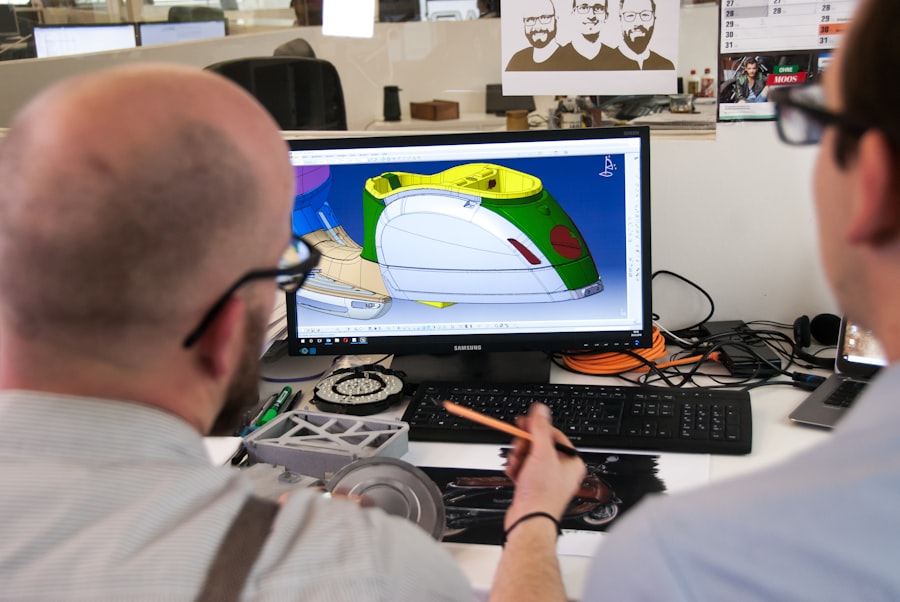
The impact of software extends far beyond the office; it significantly enhances how I operate in the field. Equipping my technicians with the right tools means they can be more productive, professional, and responsive.
Mobile Accessibility and Updates
The key to streamlining field operations lies in providing technicians with mobile access to all the necessary information. This means moving away from paper-based systems and embracing digital tools accessible from smartphones or tablets.
Real-time Job Information Access
Technicians can now access all job details directly on their mobile devices. This includes customer contact information, address, job description, any special instructions, and even previous service history. This eliminates the need for them to call the office for clarification, saving time and reducing communication friction.
GPS Navigation Integration
Most service-based software includes integrated GPS navigation. This not only helps technicians find the quickest route to a job but also provides accurate estimated arrival times. This information can then be communicated to the customer, improving punctuality and customer satisfaction.
Digital Check-ins and Check-outs
The ability for technicians to digitally check in and check out of jobs is a small but significant efficiency booster. This allows for accurate tracking of their time spent on each task, which is crucial for billing and performance analysis. It also provides a digital audit trail for each job.
Enhanced Customer Interaction
Modern software empowers my technicians to interact with customers in a more professional and informed manner. This can significantly impact the customer’s perception of my service.
Professionalism in Communication
When technicians can access customer history and job details instantly, they can engage with customers more confidently and knowledgeably. This level of preparedness contributes to a more professional image and a better customer experience.
Instant Service Updates
Technicians can often provide customers with instant updates on job progress directly from their mobile devices. This might include confirmation of arrival, notification of any delays, or the completion of a specific task. This transparency builds trust and reduces anxiety for the customer.
On-the-Spot Quoting and Approval
Some advanced software allows technicians to create and send quotes on the spot. This can be particularly useful for unexpected repairs or additional services. The ability for customers to review and approve these quotes digitally streamlines the process and avoids potential disputes later on.
Data-Driven Improvement
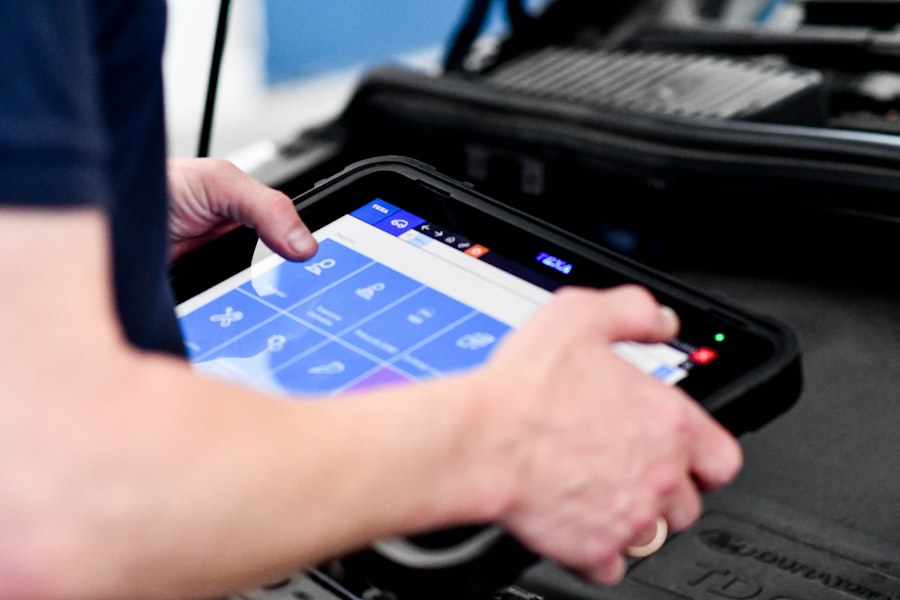
The data I collect through my software is not just for administrative purposes; it’s a goldmine for understanding my business and identifying areas for improvement.
Performance Analytics
Software systems often provide built-in analytics and reporting features. This allows me to delve into various aspects of my business performance.
Job Completion Rates
I can track how efficiently jobs are being completed, identifying any bottlenecks or common delays. This data helps me optimize scheduling and resource allocation.
Technician Productivity
Analyzing technician productivity allows me to identify high performers and areas where additional training might be beneficial. It helps me ensure that my team is operating at its full potential.
Revenue and Profitability
Detailed financial reports, generated directly from job data and payment records, give me clear insights into my revenue streams and profitability. This enables more informed decision-making regarding pricing, service offerings, and business investments.
Customer Insights
Understanding my customer base is crucial for tailoring my services and marketing efforts.
Repeat Business Analysis
I can easily identify patterns in repeat business, understanding which services are most popular and which customers are most loyal. This information can inform customer retention strategies.
Service Trend Identification
By analyzing the types of jobs I’m being called for over time, I can identify emerging trends in lock and security needs. This allows me to adapt my service offerings and inventory accordingly.
The Future of Locksmith Software
| Feature | Description |
|---|---|
| Job Scheduling | Allows users to schedule locksmith jobs and appointments efficiently. |
| Inventory Management | Tracks and manages locksmith tools, equipment, and supplies. |
| Invoicing and Billing | Generates invoices and handles billing for locksmith services. |
| Customer Management | Stores customer information and service history for easy access. |
| Mobile Access | Allows users to access the software and manage jobs on the go. |
The evolution of software for service businesses is rapid, and I’m excited about what the future holds. I don’t see an end to the innovation that can further streamline my locksmith operations.
Artificial Intelligence and Automation
The integration of AI is becoming increasingly prevalent. I anticipate AI-powered tools that can help with tasks like intelligent scheduling, predictive maintenance recommendations for security systems, and even automated customer support for common inquiries.
AI-Powered Scheduling Optimization
Imagine a system that not only schedules jobs but also optimizes routes based on real-time traffic data, technician availability, and job priority, all without manual intervention. This level of automation could significantly reduce travel time and increase the number of jobs I can complete daily.
Predictive Service Needs
AI could potentially analyze historical data to predict when certain locks or security systems might be due for maintenance or replacement, allowing me to proactively reach out to clients. This would position my business as a forward-thinking service provider.
Enhanced Customer Portals
While I currently have good communication channels, I can envision more robust customer portals where clients can manage their own service history, schedule appointments, request quotes, and even access knowledge bases for common lock and key issues.
Self-Service Appointment Booking
A user-friendly customer portal would empower clients to book appointments at their convenience, reducing the need for them to call during business hours. This offers greater flexibility for the customer and frees up my time.
Digital Key Management Systems
While not fully realized yet for typical locksmith services, the concept of secure digital key management systems, perhaps integrated with smart locks, is an area of future development that could profoundly change how locksmiths operate. This would necessitate secure software solutions for managing permissions and access.
In conclusion, embracing innovative software hasn’t been about chasing technological fads. It’s been a pragmatic approach to improving efficiency, enhancing customer service, and ultimately, building a more sustainable and profitable locksmith business. The initial investment in time and learning has paid dividends in reduced administrative overhead, increased scheduling accuracy, and a clearer understanding of my business’s performance. It’s an ongoing process of adaptation, but the benefits are undeniable.
