
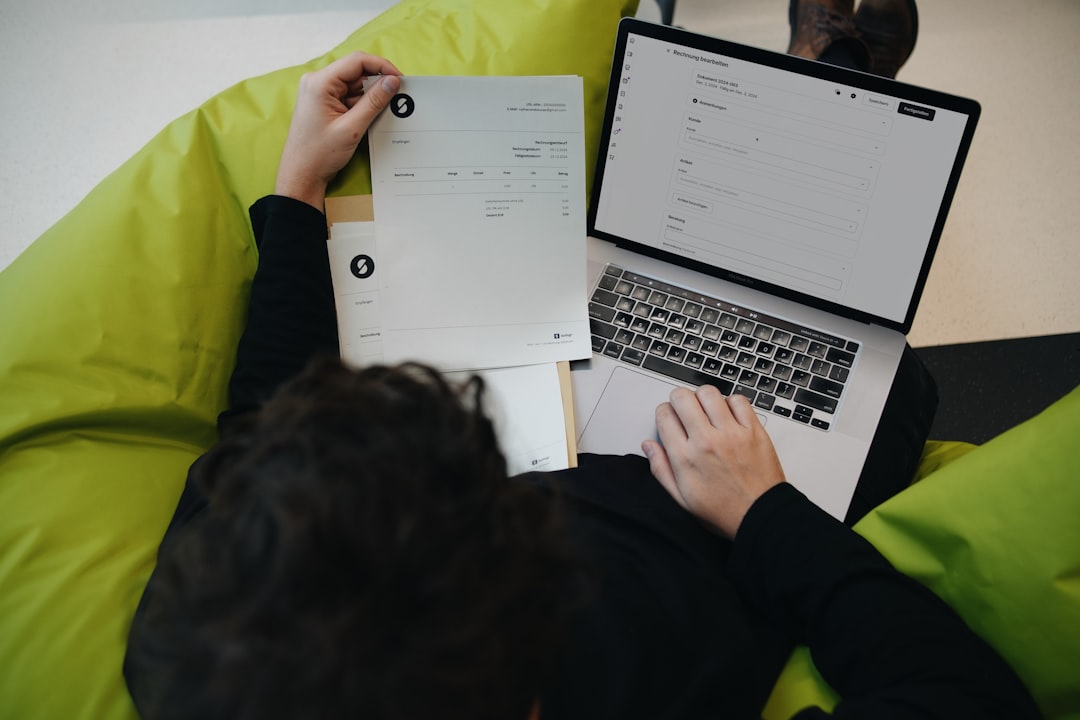

In today’s fast-paced world, running a successful locksmith business means staying agile and efficient. One of the most impactful ways to achieve this is by adopting mobile invoicing software. Forget the days of messy paper invoices, forgotten payment details, and endless administrative hours. Mobile invoicing allows locksmiths to create and send professional invoices directly from their smartphones or tablets, right on-site. This not only speeds up your billing process but also significantly improves your cash flow and overall operational efficiency. It’s a practical, straightforward solution that empowers you to get paid faster and manage your business more smoothly.
Locksmiths are inherently mobile professionals. You’re constantly on the go, responding to emergency calls, handling routine installations, and traveling between various locations. This dynamic work environment makes traditional, office-based invoicing a significant bottleneck. Mobile invoicing software is tailor-made for this industry, offering a suite of benefits that directly address the unique challenges locksmiths face.
Eliminating Paperwork Headaches
Let’s be honest, no one enjoys wrangling stacks of paper invoices. They get lost, crumpled, and take up valuable space. With mobile invoicing, you can ditch the physical forms entirely.
Reducing Clutter and Disorganization
Imagine a van free of overflowing binders and loose receipts. By moving to digital invoices, your workspace stays cleaner, and you reduce the risk of critical documents getting misplaced. This seemingly small change can have a big impact on your day-to-day organization.
Environmental Impact
Going paperless isn’t just good for your business; it’s also good for the planet. You’ll reduce your paper consumption and contribute to a more sustainable way of operating. It’s a small step that collectively makes a difference.
Enhancing Professionalism and Customer Trust
First impressions matter, especially when customers are often in a stressful situation like a lockout. A polished, professional invoice can significantly elevate perceived value and trust.
Branded Invoices
Mobile invoicing software often allows you to customize invoices with your company logo, contact information, and even a personalized message. This level of branding reinforces your company’s image and makes the invoice feel more legitimate and trustworthy.
Clear and Detailed Line Items
Gone are the days of scribbled service descriptions. With mobile invoicing, you can easily add detailed line items for each service performed and part used, along with their respective costs. This transparency builds confidence and helps customers understand exactly what they’re paying for.
Improving Cash Flow and Reducing Payment Delays
One of the biggest struggles for any small business is getting paid on time. Mobile invoicing directly tackles this issue by making the payment process faster and more convenient for both you and your customers.
On-the-Spot Billing
Instead of waiting until you’re back at the office (or even at home) to create and send an invoice, mobile software lets you do it immediately after completing the job. This immediacy significantly shortens the payment cycle.
Integrated Payment Options
Many mobile invoicing solutions integrate with popular payment gateways, allowing customers to pay directly from the invoice using credit cards, debit cards, or even digital wallets. This convenience means fewer overdue payments and less time chasing money.
Automated Reminders
For those stubborn late payments, many apps offer automated reminder features. You can set up automatic polite follow-ups that go out if an invoice remains unpaid after a certain period, saving you the awkwardness and time of making those calls yourself.
Essential Features to Look For in Mobile Invoicing Software
Not all mobile invoicing software is created equal. To truly streamline your locksmith business, you’ll want to prioritize certain features that cater specifically to your needs.
User-Friendly Interface
This is paramount. If the software is confusing or difficult to navigate, you won’t use it consistently, negating its benefits.
Intuitive Design
Look for an app that feels natural to use, with clear buttons and a logical workflow. You should be able to create and send an invoice in just a few taps. Minimal training should be required to get your team up to speed.
Quick Access to Key Functions
The ability to quickly add new services, products, or customer details without extensive menu diving is crucial when you’re on a job site. Time is money, and fumbling with software costs both.
Robust Customer Management
Your customers are the lifeblood of your business. Good invoicing software should help you manage their information effectively.
Customer Database
A central place to store all your customer information – names, addresses, phone numbers, email addresses, and even job history – is invaluable. This makes repeat business easier and allows for personalized service.
Job History Tracking
Being able to quickly pull up a customer’s past service history, including what services were performed and when, can be incredibly helpful for diagnostics, follow-ups, and building stronger relationships.
Service and Product Catalogues
You likely offer a standard set of services and use specific parts. Having these pre-loaded into your invoicing app saves a ton of time.
Pre-Defined Items
Instead of typing out “Emergency Lockout Service” or “Schlage Deadbolt Installation” every time, you can select these items from a pre-defined list. This ensures consistency and reduces errors.
Pricing Flexibility
The ability to include default pricing for services and products, but also easily adjust them on a case-by-case basis (e.g., for discounts or variable labor costs), is very useful.
Expense Tracking and Reporting
Invoicing is just one side of the financial coin. Tracking your expenses is just as important for understanding profitability and tax preparation.
Categorization of Expenses
Look for features that allow you to log and categorize your business expenses (e.g., fuel, supplies, tools, advertising). This provides a clearer picture of where your money is going.
Basic Financial Reports
While not a full accounting suite, the ability to generate basic reports like income statements, expense summaries, or outstanding invoice reports can be incredibly helpful for monitoring your business’s financial health.
Cloud Synchronization and Backup
Your data is critical. Ensure your mobile invoicing solution offers reliable cloud capabilities.
Multi-Device Access
Whether you’re using your phone, a tablet, or even sitting at your computer, you should be able to access and manage your invoices and customer data from any device, as all information is stored securely in the cloud.
Data Security and Backup
Verify that the software provider uses robust security measures to protect your financial and customer data. Automatic cloud backups mean you never have to worry about losing your information if a device is lost, stolen, or damaged.
How to Integrate Mobile Invoicing into Your Locksmith Workflow
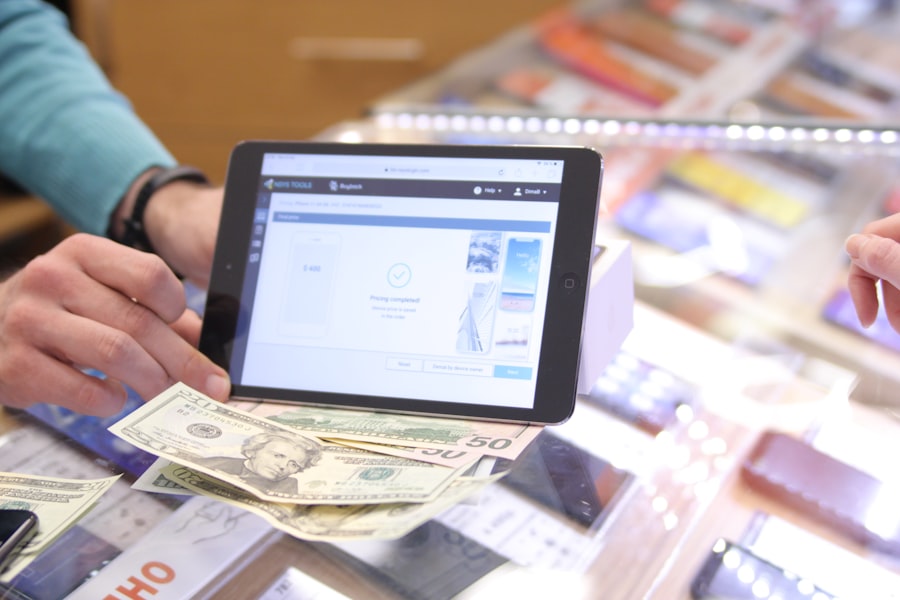
Adopting new technology can sometimes feel daunting, but integrating mobile invoicing into your existing workflow can be quite straightforward with a little planning.
Phased Rollout and Training
Don’t try to change everything overnight. Introduce the new system gradually.
Start with Simpler Jobs
Begin by using the mobile invoicing software for straightforward jobs where you’re comfortable with the pricing and service descriptions. This allows you to get comfortable with the app in a low-pressure environment.
Team Training
If you have employees, dedicate time to training them on how to use the software effectively. Provide clear instructions, and encourage questions. Remember, their buy-in is crucial for successful adoption.
Setting Up Your Account and Templates
Before you start invoicing, take some time to set up your account properly.
Company Information and Branding
Upload your logo, input your business address, phone number, and tax details. Customize your invoice template to reflect your brand’s colors and style.
Populate Your Service and Product Lists
This is a one-time effort that will save you countless hours later. Enter all your common services, parts, and their default pricing. Think about variations, like “After-Hours Emergency Call” versus “Standard Lock Installation.”
Best Practices for On-Site Invoicing
To maximize the benefits, establish a consistent process for how you use the software on-site.
Review with the Customer
Before sending, always review the invoice details with the customer. This ensures accuracy and gives them an opportunity to ask questions or clarify any charges. It also fosters transparency and trust.
Obtain Digital Signatures
Many mobile invoicing apps allow for digital signatures. This provides an extra layer of professionalism and confirmation that the customer agrees to the services and charges.
Offer Multiple Payment Options
Make it as easy as possible for customers to pay. Whether it’s a credit card reader integration, a link for online payment, or accepting cash/cheques later, present these options clearly.
Addressing Common Concerns About Mobile Invoicing
It’s natural to have questions or concerns when changing established business processes. Let’s tackle a few common ones.
Internet Connectivity Issues
What if you’re in an area with poor or no internet service?
Offline Mode
Many reputable mobile invoicing apps offer an “offline mode.” This means you can create and save invoices even without an internet connection. Once you regain connectivity, the app will automatically sync your saved invoices to the cloud. This is a critical feature for locksmiths who might work in basements, remote areas, or older buildings with patchy Wi-Fi.
Draft and Sync Later
Even without a dedicated offline mode, most apps allow you to create a draft invoice. You can fill in all the details, save it as a draft, and then send it once you’re back in an area with stable internet.
Security of Financial Data
Protecting your business and customer financial information is paramount.
Encryption Standards
Choose software providers that use industry-standard encryption (like SSL/TLS) to protect data both in transit and at rest. Your data should be as secure as online banking.
PCI Compliance
If the software integrates with payment processing, ensure it is PCI DSS compliant. This is a set of security standards designed to ensure that all companies that process, store, or transmit credit card information maintain a secure environment.
Reputable Providers
Stick with well-established and positively reviewed software providers. They have more resources dedicated to security and typically offer higher levels of data protection. Avoid obscure or untested apps for financial transactions.
Cost of Software
Like any business tool, there’s an investment involved.
Subscription Models
Most mobile invoicing software operates on a subscription model (monthly or annually). Consider this an operational cost that pays for itself through increased efficiency and faster payments.
ROI Justification
Calculate the return on investment (ROI). How much time will you save each week that you can now dedicate to billable work or business development? How much will faster payments improve your cash flow? Often, the cost is easily justified by these benefits.
Free Tiers or Trials
Many providers offer free trials or even basic free tiers. Use these to test out different options and see which one fits your locksmith business best before committing to a paid plan. This allows you to experience the software firsthand without immediate financial commitment.
Embracing the Future of Locksmith Billing
| Features | Benefits |
|---|---|
| Mobile access | Allows locksmiths to create and send invoices on the go |
| Customizable templates | Enables locksmiths to personalize their invoices with their branding |
| Payment processing | Facilitates secure and convenient payment collection from clients |
| Inventory management | Helps locksmiths track and manage their stock of supplies and equipment |
Adopting mobile invoicing software isn’t just about catching up; it’s about positioning your locksmith business for future success. It’s a practical step towards a more organized, professional, and financially healthy operation. By streamlining your administrative tasks, you free up valuable time to focus on what you do best: providing essential security solutions to your community. So, if you’re still relying on paper invoices or delayed billing, now might be the perfect time to explore how a mobile invoicing solution can transform your locksmith business for the better. It’s a small change with a powerful ripple effect.
