


Running a few different trades might seem like a juggling act, and honestly, it can be. You’ve got plumbing jobs one day, electrical installations the next, and maybe some HVAC repairs thrown in for good measure. Keeping track of schedules, invoices, customer details, and your team’s whereabouts across all these different services can get messy fast. That’s where field service software comes in – it’s designed to be your central hub, making it way easier to manage the chaos and keep your business running smoothly, no matter how many hats you wear.
When you’re managing multiple trades, communication is key, and often the weakest link. Your plumbers might not know about an electrician’s appointment next door, and your HVAC tech might be heading to a customer who’s already had a plumbing issue resolved that morning. Field service software can be a game-changer here.
Real-time Visibility for Your Team
Imagine this: your office admin is booking a new job, and instantly, you and your technicians see it appear on their app, complete with customer details, job notes, and the specific trade required. That’s the power of real-time updates.
- Centralized Job Board: Everyone sees the same schedule. No more “who was supposed to call them back?” or “did you tell Dave about that emergency call?”
- Mobile Access for Technicians: Your team has all the information they need in their pocket. They can see their schedule, access customer history, and get directions, all without needing to call the office.
- Instant Updates: When a job is completed, rescheduled, or needs follow-up, the status updates across the system, so everyone is always in the loop.
Streamlined Communication Channels
Beyond just seeing the schedule, good software facilitates actual communication.
- Internal Messaging: Some systems have built-in chat features, allowing technicians to quickly message dispatch or each other for quick questions or updates without resorting to endless phone calls. “Hey, do we have the spare part for this boiler?”
- Customer Communication Automation: From appointment reminders to job completion notifications, the software can automatically keep customers informed, reducing missed appointments and saving your team time.
Managing Different Service Types Seamlessly
The real challenge with multiple trades is that they often have different workflows, requirements, and even pricing structures. Your software needs to be flexible enough to handle this.
Customizable Job Types and Categories
This is crucial. You don’t want a generic “job” that doesn’t distinguish between a routine boiler service and a complex rewiring project.
- Dedicated Service Fields: The software should allow you to define specific types of services (e.g., “Plumbing Repair,” “Electrical Installation,” “HVAC Maintenance”). Each can have its own set of custom fields. For a plumbing job, you might need fields for pipe type or water pressure. For electrical, it could be circuit breaker type or voltage required.
- Tagging and Labeling: Use tags to further categorize jobs, like “Emergency,” “Preventative Maintenance,” or “New Construction.” This helps with reporting and filtering.
Tailored Workflows and Checklists
Different trades need different processes. A plumbing job might require a detailed inspection checklist, while an electrical job might have safety protocols to follow.
- Digital Checklists: Create specific digital checklists for each trade. Technicians can tick off items as they go, ensuring nothing is missed and providing a clear record of work performed. This is invaluable for quality control and compliance.
- Service-Specific Forms: Design custom forms for different services. For instance, a gas safety certificate for HVAC, an electrical safety compliance form, or a water leak detection report for plumbing.
Quoting and Estimating Flexibility
Estimating for plumbing, electrical, and HVAC work often involves different materials, labor rates, and pricing strategies.
- Template-Based Quoting: Create different quoting templates for each trade, pre-loaded with common parts and labor codes. This speeds up the quoting process significantly.
- Material Catalogs: Maintain separate or combined catalogs of parts for each trade, with associated costs and supplier information. This ensures accurate pricing and helps manage inventory.
- Tiers of Service: If you offer different levels of service (e.g., emergency call-out vs. planned maintenance), the software should support creating tiered pricing for these.
Keeping Your Finances in Order
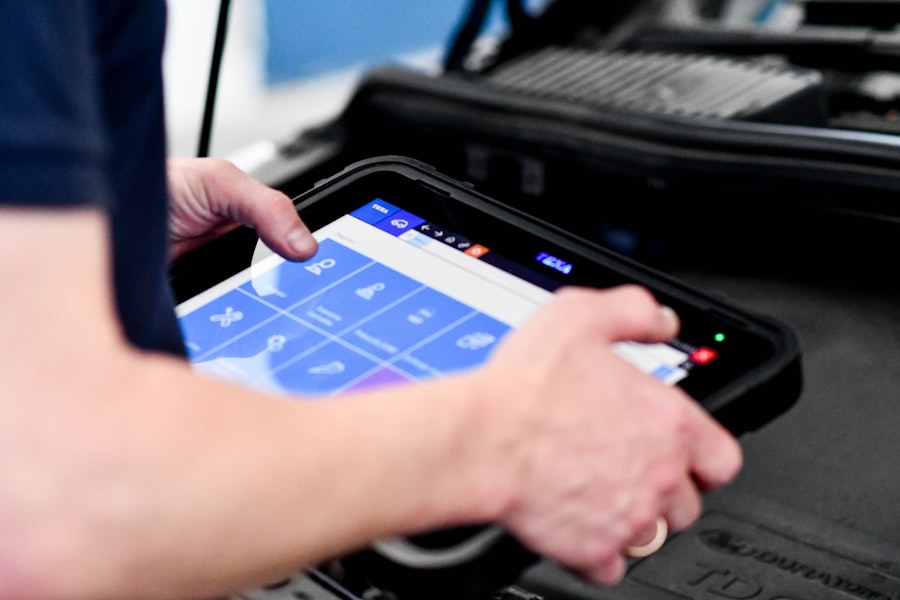
When you’re running multiple lines of business, managing invoices, payments, and profitability can get complicated quickly. You need a system that can handle the nuances of each trade.
Invoicing Across Trades
The ability to generate accurate invoices that reflect the specific work done for each trade is essential.
- Itemized Invoices: The software should allow you to easily add parts, labor, and any other charges relevant to the specific job. If a plumbing job involved replacing a specific type of pipe and two hours of labor, the invoice should clearly reflect that.
- Multiple Work Orders to One Invoice: Sometimes a customer might have multiple completed jobs (perhaps a plumbing repair and an electrical inspection) that you want to consolidate into a single invoice. The system should allow for this.
- Customizable Invoice Templates: Design invoices that reflect your branding and include all necessary details, adapting them slightly if needed to highlight specific trade-related information.
Payment Tracking and Reconciliation
Knowing who has paid, what they’ve paid for, and when is crucial for cash flow.
- Payment Status Tracking: Easily see which invoices are outstanding, paid, or partially paid.
- Integration with Payment Gateways: Many systems integrate with popular payment processors (like Stripe, Square, or PayPal), allowing customers to pay invoices online directly from a link.
- Reconciliation Tools: Tools to help reconcile payments received against outstanding invoices, making accounting much smoother.
Profitability Analysis by Trade
This is where you really see the value. Are your plumbing jobs more profitable than your electrical ones? The software should help you answer that.
- Job Costing: Understand the true cost of each job by tracking labor, parts, and any other expenses.
- Reporting by Service Type: Generate reports that show revenue, costs, and profit margins broken down by trade. This information is invaluable for strategic decision-making. Where should you focus your marketing efforts? Which trade needs more streamlined processes?
- Historical Data: Access historical job data to identify trends, popular services, and areas for improvement in efficiency or pricing.
Empowering Your Field Technicians
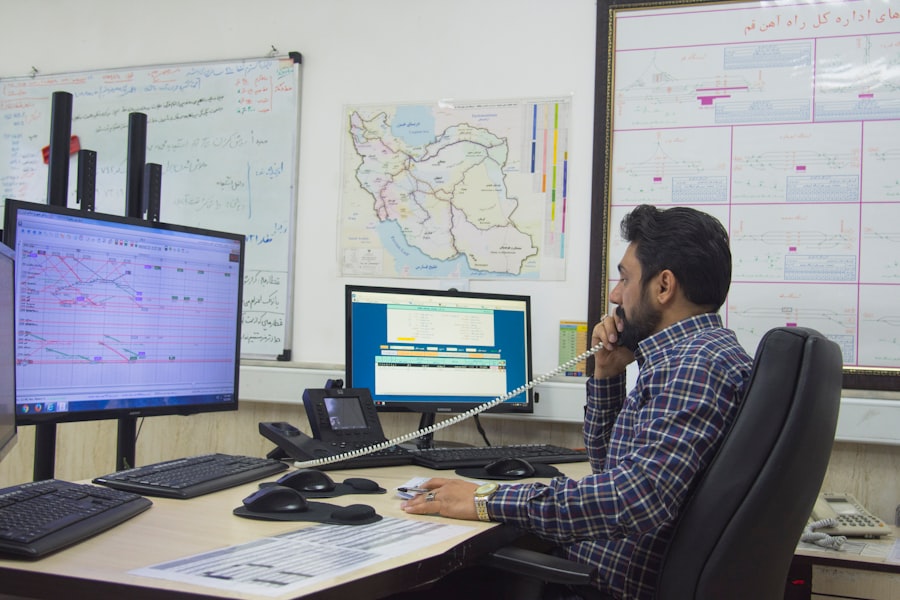
Your technicians are the face of your business in the field. Giving them the right tools makes their job easier and the customer experience better.
Efficient Scheduling and Dispatch
Getting the right technician to the right job at the right time is the core of field service.
- Drag-and-Drop Scheduling: Visualize your schedule and easily assign jobs to technicians based on their availability, location, and skill set.
- Route Optimization: For businesses with multiple jobs in different locations, route optimization can save significant time and fuel by planning the most efficient travel path.
- Skill-Based Dispatching: Assign jobs to technicians with the specific certifications or experience needed for that trade. A licensed electrician for an electrical job, a certified plumber for a complex plumbing issue.
Streamlining Job Completion
Once they’re on-site, technicians need to work efficiently and document their progress.
- Digital Job Forms and Checklists: As mentioned earlier, these ensure consistency and completeness on every job. They can also capture site-specific information, photos, and customer signatures.
- Time Tracking: Technicians can easily clock in and out of jobs, ensuring accurate labor costs and billing. This is especially important for hourly rate work.
- Part Usage Tracking: Technicians can record parts used on the job, which directly feeds into inventory management and job costing.
On-Site Quoting and Invoicing
Empowering your technicians to handle more in the field can speed up the entire process.
- Mobile Quoting: If a customer agrees to additional work while the technician is on-site, they can create and send a quote right then and there.
- On-Site Invoicing and Payment: In some cases, technicians can generate and present an invoice for approval and even collect payment on the spot. This speeds up cash flow considerably.
Managing Inventory and Tools Across Trades
| Features | Description |
|---|---|
| Job Scheduling | Ability to schedule multiple jobs at once, taking into account technician availability and travel time. |
| Route Optimization | Optimizing technician routes to minimize travel time and fuel costs when running multiple trades. |
| Resource Management | Allocate resources efficiently, including tools, equipment, and inventory, for multiple jobs simultaneously. |
| Real-time Updates | Provide real-time updates on job status, technician location, and customer communication for all ongoing trades. |
| Reporting and Analytics | Generate reports and analytics on the performance of multiple trades, including job completion times and customer satisfaction. |
When you offer multiple services, you likely have a wider range of parts, materials, and tools to manage. This can quickly become a logistical nightmare without the right system.
Centralized Inventory Management
Knowing what you have, where it is, and whether you need to reorder is vital.
- Stock Levels: Track inventory levels for all parts across your different trades in one central location.
- Low Stock Alerts: Set up alerts to notify you when inventory for specific items drops below a certain threshold, preventing delays due to missing parts.
- Part Categorization: Organize parts by trade, supplier, or any other relevant category to make searching and managing easier.
Tool Tracking and Maintenance
Beyond parts, keeping track of expensive tools used by your various teams is also important.
- Tool Assignment: Track which technician has which tools, especially for specialized or expensive equipment.
- Maintenance Schedules: Set up reminders for tool calibration or maintenance to ensure they are always in good working order. This prevents breakdowns and costly repairs.
Purchase Order Management
Streamline the process of ordering new parts and materials.
- Purchase Order Creation: Generate purchase orders directly from the software, ensuring all necessary details are included.
- Supplier Management: Keep track of your suppliers, their contact information, and pricing agreements.
- Receiving Goods: Record received inventory, updating stock levels automatically. This ensures accuracy between what you order and what you receive.
Tracking Your Business Performance
As a business owner, you need to know how your different trades are performing. Generic reports won’t cut it.
Performance Metrics by Trade
Understanding the health of each individual service offering is critical for growth.
- Revenue and Profitability Reports: As mentioned earlier, see which trades are bringing in the most money and which are the most profitable after deducting costs.
- Customer Acquisition Cost (CAC): Understand how much it costs to acquire a new customer for each specific trade.
- Customer Lifetime Value (CLTV): Estimate the total revenue a customer is likely to generate over their relationship with your business, broken down by the services they use.
Technician Performance and Efficiency
Your technicians are your most valuable asset. Understanding their performance helps with training and resource allocation.
- Job Completion Rates: Track how efficiently technicians are completing their assigned jobs.
- On-Time Performance: Monitor how often technicians are arriving at appointments within the scheduled window.
- Customer Feedback Integration: Some systems can integrate with customer feedback mechanisms, allowing you to see how customers perceive the service they received for each trade.
Identifying Growth Opportunities
Data from your field service software can illuminate where to expand or how to optimize.
- Popular Service Trends: See which trades or specific services are in highest demand, guiding your marketing and service development.
- Areas for Training: Identify where technicians might need additional training based on job completion times, error rates, or customer feedback specific to a trade.
- Resource Allocation: Understand where you have capacity and where you might be stretched thin across your various service offerings.
In short, if you’re running a business that spans multiple trades, a good field service software isn’t just a nice-to-have; it’s a fundamental tool for staying organized, efficient, and profitable. It helps bridge the gaps between different skill sets and workflows, ensuring that whether you’re fixing a leaky faucet or rewiring a building, your business operates as a cohesive and well-oiled machine.
This article is general information, not legal advice.
