
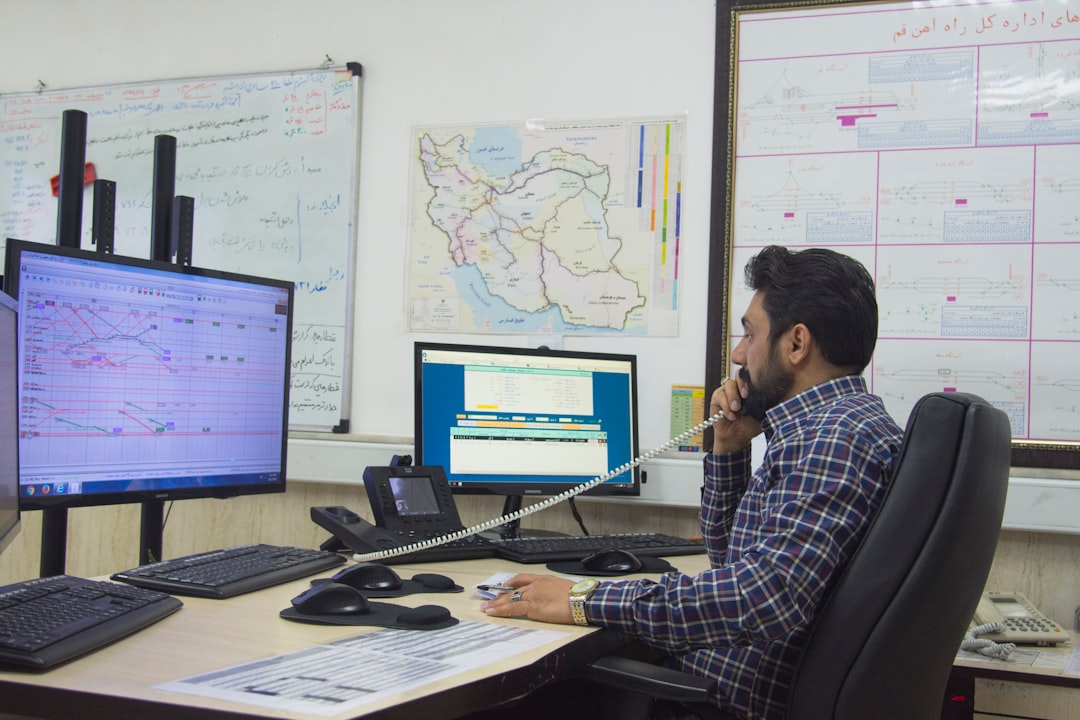

So, you’re looking for field service dispatch software in California and feeling a bit overwhelmed by all the options? Totally understandable. The good news is, picking the right one doesn’t have to be a headache. At its core, you’re looking for software that makes your life easier by helping you manage your technicians, schedule jobs efficiently, and keep your customers happy, all while fitting your specific California needs. Let’s break down what that actually looks like.
California is a big, diverse state, and that’s going to impact your field service operations. Thinking about these unique aspects upfront will save you a lot of time and frustration down the line.
Navigating California’s Regulations and Compliance
This is a big one for businesses operating here. California has some of the strictest labor laws and environmental regulations in the country. Your dispatch software needs to be able to help you stay on top of these.
Wage and Hour Laws
Are you tracking technician hours accurately? California’s overtime rules and meal/rest break requirements are complex. Your software should ideally have features that help log work hours meticulously, flag potential violations, and generate reports that prove compliance. Think about how you’ll handle travel time versus on-site time – some software can differentiate this.
Environmental Compliance
Depending on your industry (HVAC, plumbing, waste management, etc.), you might have specific environmental reporting requirements. Does your software allow for digital checklists, waste tracking, or emissions logging? This can be crucial for avoiding hefty fines.
Licensing and Certifications
California requires various licenses and certifications for different trades. Can your software track technician credentials, expiry dates, and alert you when something needs renewal? This is vital for ensuring you’re always operating legally and safely.
Adapting to California’s Geography and Traffic
From the sprawling Los Angeles basin to the vastness of Northern California, traffic and geography are significant factors in dispatching. Your software needs to account for this.
Real-Time Traffic Integration
This is non-negotiable for California. Your software should integrate with real-time traffic data to provide accurate ETAs and optimize routes. Imagine sending a technician across town during rush hour without knowing about a major freeway closure – it’s a recipe for angry customers and lost time.
Geofencing and Location Tracking
For better accountability and efficiency, geofencing can be a lifesaver. It allows you to automatically clock technicians in and out when they arrive at and leave a job site. This not only helps with payroll but also provides a clear audit trail. Live GPS tracking of your fleet can also help dispatchers make informed decisions when an urgent call comes in or a job is running over.
Service Area Management
California has distinct service areas with varying demands. Your software should allow you to define and manage these areas, assigning technicians based on their location and availability, minimizing travel time and maximizing the number of jobs they can complete in a day.
Core Features You Absolutely Need
Beyond the California-specific stuff, there are fundamental features that any good dispatch software should offer. These are the building blocks of efficient operations.
Scheduling and Dispatch Management
This is the heart of dispatch software. How well does it handle assigning jobs to your team?
Drag-and-Drop Calendar Interface
A visual, intuitive calendar makes scheduling a breeze. Being able to easily see technician availability, job durations, and potential conflicts is key. Can you quickly reschedule a job or swap technicians if needed?
Automated Scheduling and Optimization
The best software goes beyond just letting you manually assign jobs. It can suggest the best technician for a job based on skills, location, and availability, and even optimize routes to minimize travel time. Look for algorithms that consider factors like traffic, job priority, and technician skills.
Mobile Access for Technicians
Your technicians are out in the field. They need real-time access to their schedules, job details, customer information, and the ability to update job status, capture signatures, and record notes. A robust mobile app is crucial for seamless communication and data flow.
Customer Relationship Management (CRM) Integration
Your dispatch software shouldn’t operate in a silo. It needs to play well with your customer data.
Customer Database and History
Having a centralized database of your customers, including contact information, service history, and preferences, is invaluable. This allows your technicians to arrive prepared and your dispatchers to provide informed support.
Automated Communication and Notifications
Keeping customers in the loop is vital for satisfaction. Look for software that can send automated appointment confirmations, reminders, and technician arrival notifications. This reduces no-shows and manages customer expectations.
Feedback and Review Collection
After a job is completed, how do you collect feedback? Some software can automate sending out satisfaction surveys, which can provide valuable insights for improvement and also offer opportunities to encourage online reviews.
Billing and Invoicing Capabilities
Streamlining your billing process can significantly improve cash flow.
Job Costing and Time Tracking
Accurately tracking labor and material costs for each job is essential for profitability. Your software should allow technicians to log their time and materials accurately in the field.
Invoicing Generation and Integration
Can your software generate professional invoices directly from completed job data? Ideally, it should integrate with your accounting software (like QuickBooks, Xero, etc.) to avoid double entry and ensure financial accuracy.
Payment Processing Options
Consider if you want to offer payment processing directly through the software. This can include options for credit card payments in the field or online payment portals for customers.
Reporting and Analytics
To make informed business decisions, you need data.
Performance Dashboards
Visual dashboards that provide an overview of key metrics like job completion rates, technician productivity, revenue generated, and customer satisfaction scores are incredibly helpful for identifying trends and areas for improvement.
Custom Report Generation
Can you create custom reports to track specific KPIs relevant to your business? This could include reports on specific service types, technician performance by region, or profitability analysis.
Financial Reporting
Beyond job costing, look for features that can generate basic financial reports related to revenue, expenses, and outstanding invoices.
Choosing the Right Type of Software

Not all dispatch software is created equal. There are different models and approaches that might suit your business better.
Cloud-Based vs. On-Premise Solutions
This is a fundamental decision that impacts cost, accessibility, and maintenance.
Cloud-Based (SaaS)
The vast majority of modern dispatch software is cloud-based. This means the software is hosted on the provider’s servers and accessed via the internet.
- Pros: Lower upfront costs, automatic updates, accessible from anywhere with internet, scalable, less IT burden.
- Cons: Reliance on internet connection, ongoing subscription fees, less customization for deep integrations.
On-Premise Solutions
These are installed and run on your own company’s servers.
- Pros: Greater control over data, can be customized extensively, no reliance on internet for core functionality once installed.
- Cons: High upfront costs (hardware and software licenses), requires internal IT expertise for maintenance and updates, less flexible for remote access.
For most California field service businesses, a cloud-based solution is the most practical and cost-effective choice today.
Industry-Specific Software
Some software is tailored to very specific industries.
General Field Service Management
These are versatile solutions designed for a broad range of field service businesses, from HVAC and plumbing to electrical and general contracting. They offer a wide array of features.
Niche Software
You might find software built for specific industries like pest control, lawn care, or home cleaning. These often have highly specialized features that might be very beneficial if you fall into that niche. For example, pest control software might have specific modules for tracking chemical applications.
Consider whether a general solution covers all your needs or if a specialized option would provide significant advantages.
Evaluating Software Providers and Demos

Once you’ve narrowed down your feature needs and software types, it’s time to look at the actual companies offering these solutions.
Vendor Reputation and Support
The software is only as good as the company behind it.
Customer Reviews and Testimonials
What are other California businesses saying about the software and the vendor? Look for reviews on independent platforms and see if they address issues relevant to your state.
Support Availability and Quality
How easy is it to get help when you need it? Consider their support hours, channels (phone, email, chat), and whether they have a good reputation for resolving issues quickly and effectively. California time zones might matter here.
Training and Onboarding Process
A good vendor will offer comprehensive training to get your team up and running smoothly. What does their onboarding process look like?
The Importance of a Free Trial or Demo
This is your chance to kick the tires.
Hands-On Experience
A free trial allows your team to actually use the software, test out the features that matter most to you, and see how it fits into your daily workflow. Don’t just watch a demo; get your hands dirty.
Simulating Real-World Scenarios
Use the trial to test common tasks: scheduling a job, dispatching a technician, having the technician update the job status, and generating an invoice. See if it’s intuitive and efficient.
Asking Targeted Questions
During a demo or trial, have a list of specific questions ready. Ask about how the software handles California-specific regulations, how it integrates with your existing tools, and what their roadmap for future development looks like.
Considering Your Budget and ROI
| Factors to Consider | Field Service Dispatch Software |
|---|---|
| Customization | Ability to customize workflows and forms |
| Integration | Compatibility with existing systems and tools |
| Mobile Access | Availability of mobile app for on-the-go access |
| Real-time Updates | Capability to provide real-time updates and notifications |
| Reporting and Analytics | Features for generating reports and analyzing data |
| Customer Support | Quality of customer support and training options |
| Pricing | Cost and pricing structure |
Field service dispatch software is an investment, so it’s important to understand the costs and expected returns.
Understanding Pricing Models
Software pricing can vary significantly.
Subscription Fees (Monthly/Annual)
Most cloud-based software uses a subscription model, often priced per user, per feature set, or based on the number of jobs processed.
Per-User Pricing
This is common, where you pay a fixed amount for each active user of the software. Be mindful of how many people in your organization will need access.
Tiered Feature Packages
Providers often offer different packages with increasing levels of functionality. Make sure the tier you choose includes the essential features you identified earlier.
Implementation and Setup Fees
Some vendors charge one-time fees for initial setup, data migration, or custom configuration. Clarify these costs upfront.
Calculating Return on Investment (ROI)
Think about how the software will save you money and make you more money.
Increased Efficiency and Productivity
How much time will dispatchers save by automating tasks? How many more jobs can technicians complete daily with optimized routing and less administrative work? Quantify these time savings and translate them into labor cost reductions.
Reduced Errors and Rework
Accurate scheduling, clear job notes, and automated communication can significantly reduce the number of scheduling errors, missed appointments, and costly callbacks.
Improved Customer Satisfaction and Retention
Happy customers are repeat customers. Features that enhance communication, provide accurate ETAs, and ensure professional service can lead to higher customer retention rates and positive word-of-mouth referrals, which are invaluable in California.
Faster Billing and Improved Cash Flow
Streamlined invoicing and payment processing can mean getting paid faster, which directly impacts your business’s financial health.
By carefully considering your California-specific needs, core feature requirements, the types of software available, and the vendors themselves, you can confidently choose a field service dispatch solution that will streamline your operations and help your business thrive in the Golden State. Don’t rush the process, and remember that the best software is the one that actually gets used and makes your team’s lives easier.
