
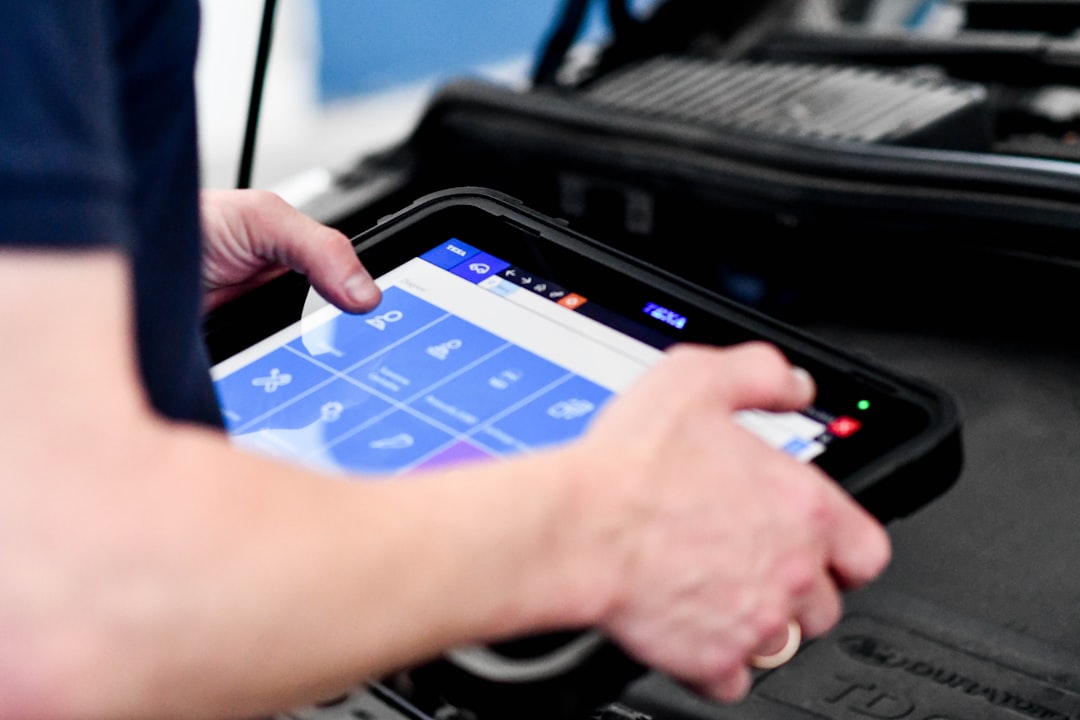

Field service software with online booking streamlines operations by letting customers schedule appointments directly through your website or a dedicated portal. This means less phone tag, fewer missed calls, and a smoother experience for both your customers and your team. Instead of your office staff juggling calls and manually entering details, the system handles it all, from showing available time slots to confirming bookings. It’s about making your service business more efficient and customer-friendly.
In today’s fast-paced world, convenience is king. Customers expect to be able to do things on their own terms, and that includes booking services. Integrating online booking into your field service software isn’t just a nice-to-have; it’s becoming a necessity. It shifts a significant administrative burden from your team to the customer, freeing up resources and improving overall service delivery.
Boosted Customer Satisfaction
When customers can book at their convenience, whether it’s late at night or early in the morning, their satisfaction naturally goes up. They don’t have to wait for business hours or navigate a phone tree.
- 24/7 Accessibility: Customers can schedule appointments whenever it suits them, not just during your office hours. This is especially helpful for people with busy schedules or those in different time zones.
- Reduced Friction: No more holding on the phone, explaining their needs multiple times, or dealing with scheduling conflicts in real-time with an office assistant. The process is smoother and less frustrating.
- Instant Confirmation: Once they book, they get an immediate confirmation, which provides peace of mind and reduces uncertainty.
Streamlined Operations and Efficiency
The operational benefits of online booking are substantial. It takes a lot of manual work out of your team’s hands, allowing them to focus on more complex tasks.
- Automated Scheduling: The system automatically identifies available slots based on technician availability, skills, and geographic location, minimizing manual effort and errors.
- Reduced Administrative Load: Your office staff spends less time on the phone booking appointments, freeing them up for other important tasks like dispatching, invoicing, or customer follow-ups.
- Fewer Missed Appointments: Automated reminders (via email or SMS) significantly reduce no-shows, optimizing your technicians’ time and your revenue.
Better Resource Allocation
Knowing your schedule in advance and having a clear view of technician availability helps you make smarter decisions about how to deploy your team.
- Optimized Routing: Online booking systems can often integrate with mapping tools to help plan the most efficient routes for your technicians, saving fuel and time.
- Skill-Based Assignment: Ensure the right technician with the right skills is assigned to the right job, improving first-time fix rates.
- Predictive Staffing: By analyzing booking trends, you can better anticipate demand and adjust staffing levels accordingly.
Key Features to Look For in Online Booking Software
Not all online booking systems are created equal. When evaluating options, it’s important to consider specific features that will genuinely benefit your field service operation. Think about what will make the booking process as smooth as possible for your customers and as efficient as possible for your team.
Intuitive Customer Interface
The booking portal should be easy for anyone to use, regardless of their tech savviness. A clunky, confusing interface will only deter customers.
- Clear Service Options: Customers should easily be able to see and select the specific service they need, with clear descriptions and pricing (if applicable).
- Real-time Availability: Displaying real-time open slots prevents overbooking and ensures customers are only offered times that are genuinely free.
- Mobile Responsiveness: Most customers will likely book from their phones, so the interface must be perfectly functional and easy to navigate on a mobile device.
Smart Scheduling Logic
This is where the software really shines, automating much of the complex work that your dispatchers used to handle manually.
- Technician Skill Matching: The system should be able to match the job requirements with the skills of your available technicians. For instance, if a customer needs AC repair, only AC-certified technicians should be shown as available.
- Geographic Optimization: It should ideally factor in the technician’s current location or previous appointment to minimize travel time between jobs.
- Buffer Times: Automatically build in travel time and buffer periods between appointments to prevent technicians from being rushed or late.
Integration Capabilities
Your online booking system shouldn’t operate in a silo. It needs to talk to your other essential business tools for a truly integrated workflow.
- CRM Integration: Sync customer data directly with your CRM, so technician history, notes, and preferences are always up-to-date.
- Payment Gateway Integration: Allow customers to pay for services or deposits at the time of booking, improving cash flow and reducing payment collection issues.
- Calendar Sync (Google Calendar, Outlook): Seamlessly integrate with technicians’ personal or company calendars to keep everyone on the same page.
Communication & Notification Tools
Keeping both customers and technicians informed is crucial for a smooth service experience.
- Automated Confirmations: Send instant email or SMS confirmations to customers after they book.
- Appointment Reminders: Schedule automated reminders leading up to the appointment to reduce no-shows. These can be sent a day or an hour before, depending on your preference.
- Status Updates: Allow customers to receive updates on their technician’s estimated arrival time or if there are any delays.
Implementing Online Booking: A Practical Guide
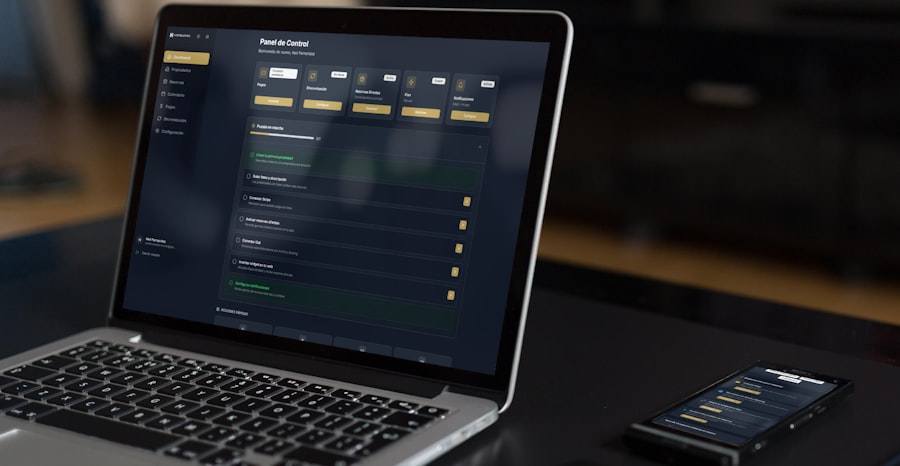
Bringing online booking into your field service operation doesn’t have to be a massive headache. With a bit of planning and a phased approach, you can integrate it smoothly and start seeing the benefits quickly. It’s about setting clear expectations and ensuring everyone, from your customers to your technicians, is on board.
Choose the Right Software Partner
This is arguably the most critical step. Don’t rush into a decision. The right software will grow with you and truly address your specific needs.
- Assess Your Needs: Before you even look at software, list out what you absolutely need, what would be nice to have, and what your budget is. Are you a small operation with a few technicians, or a larger company with complex scheduling requirements?
- Read Reviews and Ask for Demos: Don’t just go by marketing material. See what other users are saying and always get a live demonstration of the software. Ask specific questions about features relevant to your business.
- Consider Scalability: Will the software still meet your needs if your business doubles in size? It’s often better to invest in a solution that can scale.
Prepare Your Team
Change can be unsettling, so transparent communication and thorough training are key to getting your team on board with the new system.
- Communicate the Benefits: Explain why you’re implementing online booking. Highlight how it will make their jobs easier, reduce stress, and improve customer satisfaction.
- Provide Comprehensive Training: Don’t just show them how to click buttons. Explain the new workflows, how to manage their schedule, and how to handle any issues that might arise. Offer ongoing support.
- Address Concerns: Be open to feedback and address any concerns your team might have. Their input can be valuable in fine-tuning the process.
Introduce it to Your Customers
Once your system is ready, you need to make it easy for your customers to find and use the online booking option.
- Promote on Your Website: Make the “Book Now” button prominent on your homepage. Consider a dedicated booking page.
- Include in Marketing: Mention online booking in your email signatures, social media posts, and any other marketing materials.
- Educate Your Call Center: Ensure anyone who answers the phone can direct customers to the online booking portal and explain its benefits.
Monitor and Optimize
Launching is just the beginning. To truly get the most out of your online booking system, you need to continuously monitor its performance and make adjustments.
- Track Key Metrics: Monitor conversion rates, appointment abandonment rates, and customer feedback. Are people completing the booking process? Where are they dropping off?
- Gather Feedback: Ask both customers and your team for their thoughts on the new system. What’s working well? What could be improved?
- Iterate and Improve: Use the data and feedback to make ongoing adjustments. Maybe you need to clarify service descriptions, adjust time slots, or refine your automated communications.
Beyond Basic Booking: Advanced Capabilities

While core online booking is powerful, modern field service software offers even more advanced capabilities that can elevate your operations and customer experience. These aren’t always necessary for every business, but they can provide a significant competitive edge.
Customer Portals
A dedicated customer portal goes beyond just booking, offering a comprehensive self-service experience.
- Appointment Management: Customers can view upcoming appointments, reschedule, or cancel without needing to call your office.
- Service History Access: They can view past services, invoices, and even download reports related to their equipment.
- Communication Hub: A central place for customers to communicate with your team, submit inquiries, or provide feedback.
Quoting and Estimation Tools
Integrating quoting directly into the booking process can streamline the sales cycle and provide transparency.
- Dynamic Pricing: Present estimated costs based on the chosen service, location, and other factors during the booking process.
- Instant Quote Generation: For more complex jobs, the system can generate a preliminary quote that can be approved by the customer or refined by a technician on-site.
- Upselling Opportunities: Suggest additional services or product upgrades during the booking flow.
Equipment Tracking and Maintenance Scheduling
For businesses managing specific assets, tracking them through the software can be invaluable.
- Automated Maintenance Reminders: The system can automatically flag when equipment is due for maintenance based on usage or time.
- Service Contract Management: Link service contracts to specific equipment, ensuring that the correct service level is applied during booking.
- Warranty Management: Track warranty periods and automatically factor them into service recommendations or pricing.
Performance Analytics and Reporting
Data is powerful. The ability to analyze booking trends and technician performance can lead to significant improvements.
- Booking Trend Analysis: Understand peak booking times, popular services, and geographical demand patterns to optimize staffing and marketing efforts.
- Technician Performance Metrics: Track first-time fix rates, average job duration, and customer satisfaction ratings for individual technicians.
- Revenue Forecasting: Use booking data to more accurately forecast future revenue and plan resource allocation.
Common Pitfalls and How to Avoid Them
| Field Service Software Features | Online Booking |
|---|---|
| Job Scheduling | Yes |
| Dispatch Management | Yes |
| Mobile Access | Yes |
| Inventory Management | Yes |
| Customer Management | Yes |
Even with the best intentions, implementing new technology can hit snags. Being aware of common challenges allows you to proactively address them and ensure a smoother transition.
Over-Complication
It’s tempting to try and automate everything at once, but this can lead to a cumbersome system.
- Start Simple: Begin with the core booking functionality and gradually add more advanced features as your team and customers become comfortable.
- Prioritize User Experience: Always put ease of use first, for both your customers and your staff. A complex system, no matter how powerful, won’t be adopted.
Lack of Internal Buy-in
If your team isn’t on board, even the best software will struggle to gain traction.
- Involve Them Early: Get feedback from your dispatchers and technicians during the software selection process. They’re the ones who will be using it daily.
- Show, Don’t Just Tell: Demonstrate how the new system will alleviate their pain points, rather than just telling them it’s “better.”
Inadequate Training
Expecting your team to just “figure it out” is a recipe for frustration and errors.
- Allocate Sufficient Time: Don’t rush training. Provide dedicated sessions, and follow-up support.
- Create Resources: Develop cheat sheets, FAQs, and video tutorials that your team can refer to after initial training.
Ignoring Customer Feedback
Your customers are the ultimate users of the online booking system. Their experience is paramount.
- Provide Easy Feedback Channels: Make it simple for customers to offer suggestions or report issues with the booking process.
- Act on Feedback: Don’t just collect feedback; analyze it and make changes where necessary to improve the customer journey.
Neglecting Integration
A stand-alone booking system can create new data silos and manual data entry tasks.
- Plan for Integration from Day One: Ensure your chosen software can connect with your existing CRM, accounting software, and other critical systems.
- Test Integrations Thoroughly: Before going live, run comprehensive tests to ensure data flows correctly between all connected systems.
In conclusion, field service software with online booking is a powerful tool that can transform how you manage your service operations. It’s not just about convenience for customers; it’s about driving efficiency, reducing administrative burden, and ultimately, improving your bottom line. By carefully selecting the right software, preparing your team, and continuously optimizing, you can unlock significant benefits and stay competitive in today’s demanding service landscape.
