
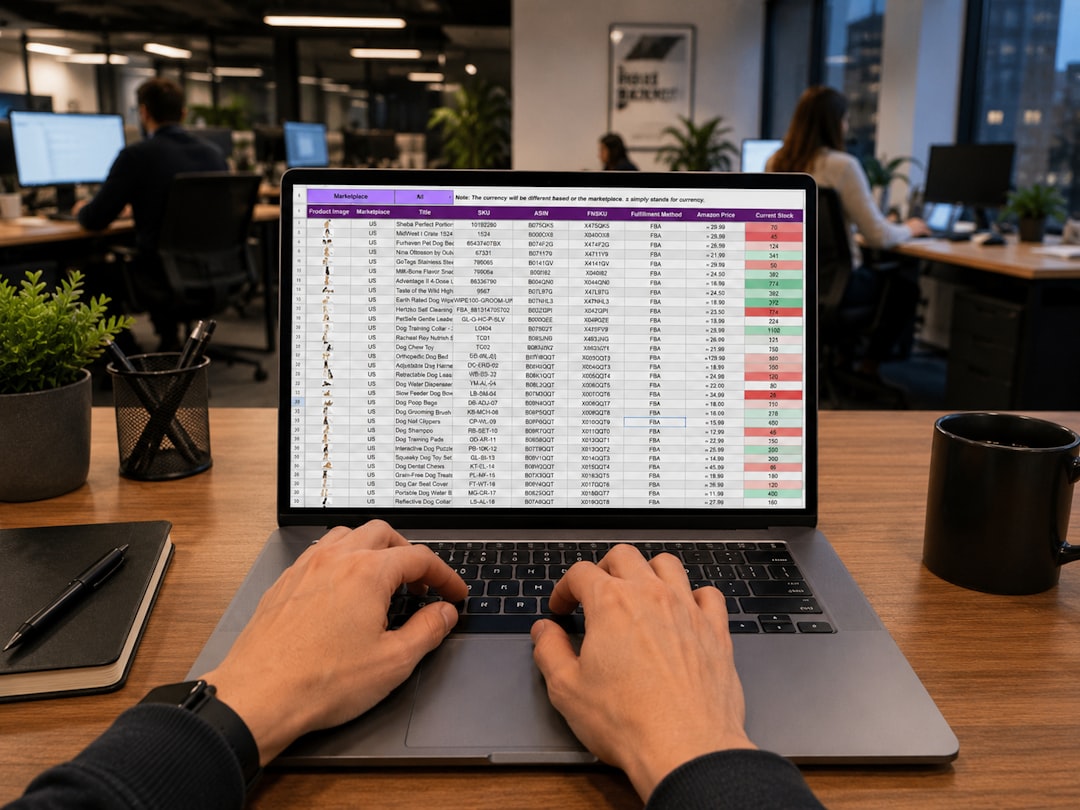

Finding the best field service scheduling software for your small business can genuinely transform your operations. The short answer is: the “best” software largely depends on your specific needs, budget, and the complexity of your services. However, some standout options consistently deliver for small businesses, offering a balance of features, ease of use, and affordability. Think about what truly matters to you – is it simple drag-and-drop scheduling, robust invoicing, client communication, or all of the above?
Let’s be real, managing a field service business without proper scheduling software is a headache. You’re probably juggling spreadsheets, sticky notes, and a whole lot of phone calls, trying to keep track of appointments, technician availability, and customer details. This isn’t just inefficient; it’s a major roadblock to growth and customer satisfaction.
Saying Goodbye to Manual Mayhem
Remember those days of scribbling down appointment times and frantically calling technicians to confirm availability? Good field service software eliminates that chaos. It centralizes all your scheduling information, making it easy to see who’s doing what, where, and when.
Boosting Your Bottom Line
When you’re running efficiently, you save money. Less time spent on administrative tasks means more time on billable work. Plus, optimized routes and reduced no-shows directly impact your profitability.
Happy Customers, Happy Business
Customers expect prompt and reliable service. With scheduling software, you can provide accurate arrival times, send automated reminders, and even give technicians access to customer history, leading to a much smoother and more professional experience.
Key Features to Look For
Before we dive into specific recommendations, let’s nail down what features are genuinely important for small businesses. Don’t get swayed by a long list of features you’ll never use; focus on what solves your actual problems.
Intuitive Scheduling and Dispatching
This is the core. You need a system that lets you easily see your team’s availability, assign jobs, and make changes on the fly. Drag-and-drop functionality is a huge plus here.
Mobile App for Technicians
Your field team needs to access their schedule, job details, customer information, and even capture signatures or photos from their phone or tablet. A robust, user-friendly mobile app is non-negotiable.
Customer Management (CRM)
Keeping track of customer details, service history, and communication logs is vital. This helps you provide personalized service and resolve issues faster.
Invoicing and Payment Processing
Streamlining your billing process saves a ton of time. Look for software that allows technicians to generate invoices on-site and even collect payments.
Reporting and Analytics
Understanding your business performance is crucial for making informed decisions. Look for basic reporting on job completion, technician performance, and revenue.
Automated Notifications
Reminder emails or SMS messages for both customers and technicians can significantly reduce no-shows and improve communication.
Top Contenders for Small Businesses

Now, let’s get into some specific software options that consistently rate well for small field service businesses. We’ll focus on their strengths and who they’re best suited for.
1. Jobber: All-Around Performer
Jobber is often cited as a favorite for small to medium-sized field service businesses, and for good reason. It strikes a good balance between powerful features and ease of use. It’s designed specifically for service businesses and really understands their workflow.
What Jobber Excels At:
- User-Friendly Interface: Both the desktop and mobile apps are intuitive, making it easy for new users to get up to speed quickly.
- Comprehensive Scheduling: Offers various views (calendar, map, list) and robust drag-and-drop scheduling. You can easily optimize routes and assign jobs.
- Excellent Customer Communication: Automated appointment reminders, on-my-way texts, and a client hub for customers to approve quotes and pay invoices.
- Strong Invoicing & Payments: Technicians can generate invoices on-site, accept credit card payments, and track outstanding balances.
- Quotes & Estimates: Professional-looking quotes can be created and sent directly from the software, with options for clients to approve them online.
Who Jobber is Best For:
Jobber is a solid choice for a wide range of small field service businesses, including landscapers, cleaners, plumbers, electricians, HVAC technicians, and general contractors who need a comprehensive, yet approachable, solution. If you value strong customer communication and a streamlined sales-to-service process, Jobber is definitely worth a look.
2. Housecall Pro: Feature-Rich and Scalable
Housecall Pro is another highly-regarded platform that offers a broad suite of features tailored for field service companies. It’s particularly strong in its mobile capabilities and automation potential.
What Housecall Pro Excels At:
- Robust Mobile App: Their mobile app is incredibly powerful, allowing technicians to manage almost every aspect of a job from their phone or tablet.
- Extensive Integrations: Integrates with QuickBooks, marketing tools, and more, making it a good hub for your business operations.
- Online Booking: Allows customers to book services directly through your website, which can be a huge time-saver.
- Marketing & Customer Loyalty: Features like email marketing, postcard sending, and “reviews” automation help you grow your customer base.
- Detailed Reporting: Offers more in-depth reporting options than some competitors, which can be helpful for tracking technician performance and financial metrics.
Who Housecall Pro is Best For:
Housecall Pro is ideal for small businesses that are growing rapidly and need a solution that can scale with them. If you’re looking for strong mobile functionality, online booking capabilities, and an all-in-one platform that handles more than just scheduling (think marketing and extensive integrations), this could be your best bet. It might have a slightly steeper learning curve than Jobber due to its feature richness, but it pays off with increased automation.
3. ServiceTitan (for larger small businesses / growing teams)
While ServiceTitan is often seen as an enterprise-level solution, they do offer plans that can work for larger small businesses or those with ambitions for significant growth. It’s a very powerful platform, but it also comes with a higher price tag and a steeper learning curve.
What ServiceTitan Excels At:
- Deep Customization: Highly customizable to fit complex workflows and specific industry needs.
- Advanced Features: Offers incredibly powerful features for sales, marketing, inventory management, and business intelligence.
- Call Booking and Dispatch: Sophisticated call center features and advanced dispatching tools, including AI-powered recommendations.
- Strong Analytics: Provides very detailed analytics and reporting to help you understand every aspect of your business.
- Integrated Solutions: Truly an all-in-one solution that aims to replace multiple other software tools you might be using.
Who ServiceTitan is Best For:
ServiceTitan is best for small businesses that are already established, have a larger team (perhaps 10+ technicians), and are looking for a comprehensive, highly scalable platform to manage all aspects of their operations. If you have complex pricing structures, extensive inventory, or advanced marketing needs, and your budget allows, ServiceTitan offers unparalleled depth. It’s likely overkill for a solo operator or a very small team just starting out.
4. Workiz: Communication-Centric Solution
Workiz stands out for its strong focus on communication and call management, making it an excellent choice for businesses where phone calls are a primary method of customer interaction.
What Workiz Excels At:
- Integrated VoIP Phone System: This is a major differentiator. You can make and receive calls directly through the software, track call history, and even record calls.
- Lead Management: Excellent tools for capturing and managing leads generated from phone calls.
- Automated SMS & Email: Robust automation for customer reminders, follow-ups, and marketing messages.
- Intuitive Dispatching: Easy-to-use drag-and-drop scheduling and dispatch board.
- Good for Emergency Services: The call management and quick dispatch features make it well-suited for businesses that handle urgent service requests.
Who Workiz is Best For:
Workiz is particularly well-suited for small businesses where inbound calls are a significant part of their lead generation and service process, such as locksmiths, towing companies, restoration services, and other emergency or on-demand service providers. If managing phone communications and converting calls into jobs is a top priority, Workiz offers a distinct advantage.
5. Service Fusion: Value for Money and Comprehensive
Service Fusion offers a strong suite of features at a competitive price point, making it an attractive option for small businesses looking for a robust solution without breaking the bank.
What Service Fusion Excels At:
- Competitive Pricing: Often provides a wider range of features for the cost compared to some competitors.
- All-in-One Solution: Covers scheduling, dispatch, invoicing, CRM, and even inventory management.
- Customer Portal: Allows customers to view their service history, upcoming appointments, and pay invoices.
- GPS Tracking: Offers built-in GPS tracking for vehicles, which can help with route optimization and technician accountability.
- QuickBooks Integration: Seamless integration with QuickBooks for easy accounting.
Who Service Fusion is Best For:
Service Fusion is a great choice for small to medium-sized field service businesses that need a comprehensive feature set but are budget-conscious. If you’re looking for a good value proposition that includes essentials like GPS tracking and a customer portal without a premium price tag, Service Fusion should definitely be on your shortlist. It’s a solid all-rounder for many types of service businesses.
Making Your Final Decision
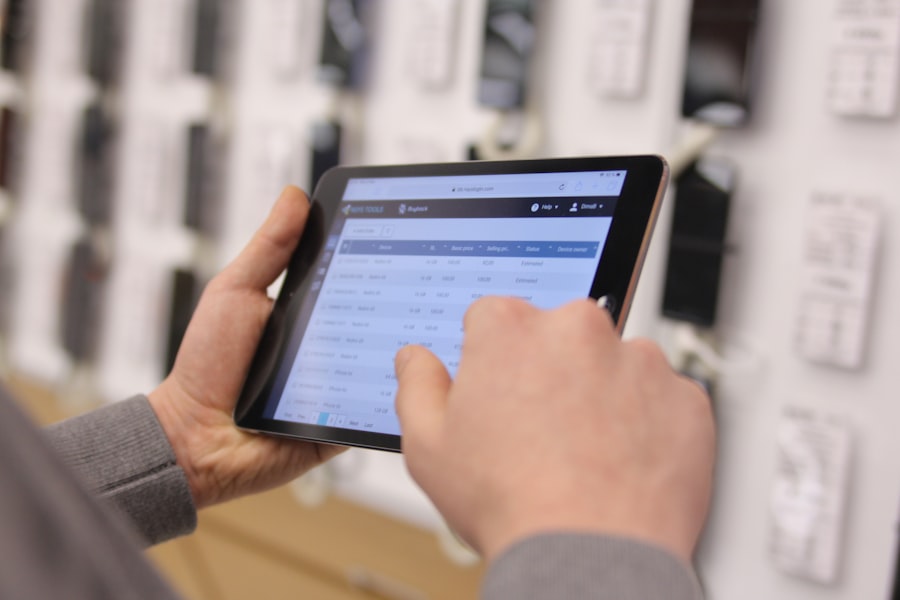
Choosing the right software isn’t just about picking the flashiest option. It’s about finding the best fit for your business.
Consider Your Budget
Software costs can vary significantly. Most offer tiered pricing based on the number of users (technicians) or features. Be realistic about what you can afford, but also consider the return on investment (ROI) – good software should pay for itself through increased efficiency and revenue.
Test Drive Everything
Almost every reputable software provider offers a free trial. Use it! Get your team involved, especially your technicians. See how it feels to use the scheduling board, create an invoice, and manage a job from the mobile app. A fancy demo might look great, but real-world usage is what matters.
Think About the Future
Even if you’re a small operation now, consider where you want to be in a few years. Will the software you choose be able to scale with you? Or will you have to go through the painful process of switching systems again?
By carefully evaluating your needs against the features and strengths of these top contenders, you’ll be well on your way to choosing a field service scheduling software that genuinely helps your small business thrive.
