


Yes, you absolutely can automate many HVAC tasks to free up significant time each week. We’re talking about taking those repetitive, often manual steps and letting technology handle them for you. This isn’t about replacing skilled technicians; it’s about empowering them to focus on complex diagnostics, high-value installations, and customer interaction, rather than getting bogged down in administrative or simple operational tasks. The goal is efficiency, accuracy, and ultimately, a healthier bottom line without the endless grind.
Streamlining Communication and Scheduling
When you’re running an HVAC business, communication is constant, and scheduling is a beast. Automating these areas can seriously cut down on the back-and-forth and missed opportunities.
Automated Appointment Reminders
How much time do your staff spend calling or emailing customers to confirm appointments? Too much, probably. Setting up an automated system means that once an appointment is booked, a series of reminders (SMS, email, or both) goes out without anyone lifting a finger. You can schedule these to go out a week before, a day before, or even an hour before. This not only saves your team’s time but also significantly reduces no-shows, meaning fewer wasted truck rolls and more revenue.
Service Agreement Renewal Notifications
Service agreements are the lifeblood of many HVAC businesses, providing recurring revenue and a steady workload. But remembering to contact every customer before their agreement expires can be a full-time job in itself. Automating renewal notifications means your system tracks expiry dates and automatically sends out emails or texts offering renewal options. You can personalize these messages and even include direct links for easy online renewal, making it incredibly convenient for your customers and ensuring a higher renewal rate without manual outreach.
Follow-Up Communication Post-Service
After a service call, you want to ensure customer satisfaction and potentially encourage reviews. Manually sending follow-up emails or making calls for every job is time-consuming. An automated post-service follow-up can be triggered as soon as a job is marked complete in your system. This email can ask for feedback, prompt a review on Google or Yelp, or even offer a discount on future services. It keeps your business top-of-mind, collects valuable feedback, and boosts your online reputation, all without additional manual effort.
Lead Nurturing Email Sequences
Not every lead is ready to buy immediately. Many need a bit of nurturing. Instead of manually reaching out to every website inquiry or trade show lead, you can set up automated email sequences. When a new lead comes in, they get added to a specific sequence designed to educate them about your services, provide useful tips, and gently guide them towards booking a consultation. This keeps your brand visible and warms up potential customers, saving your sales team from cold outreach and allowing them to focus on more qualified prospects.
Automating Operational Efficiencies
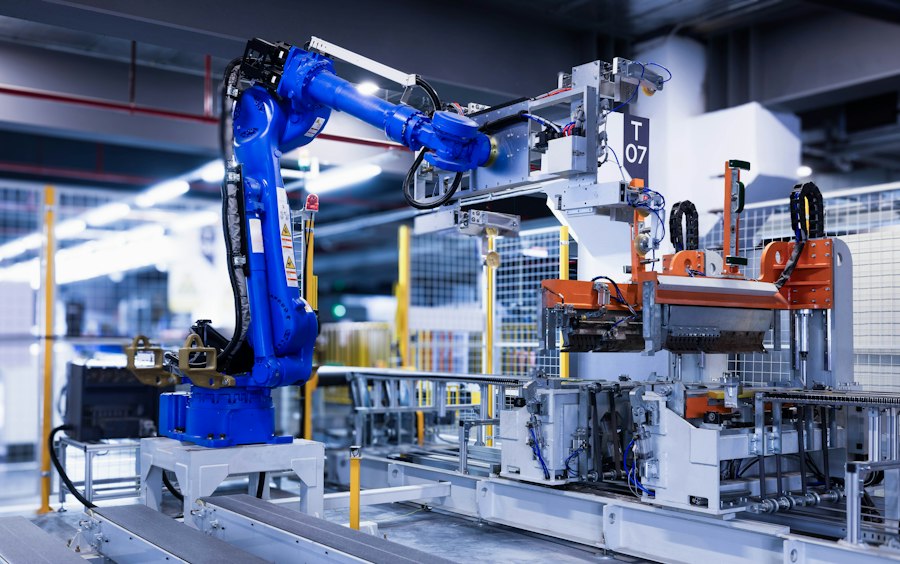
Beyond customer communication, there are numerous internal operational tasks that, when automated, can drastically improve how smoothly your HVAC business runs.
Inventory Level Alerts
Running out of common parts in the middle of a job is a nightmare. Conversely, holding too much inventory ties up capital. Automating inventory tracking means your system monitors stock levels in real-time. When a part drops below a predefined threshold, it automatically triggers an alert to your purchasing manager or even generates a purchase order request. This ensures you always have critical parts on hand without overstocking, saving countless hours typically spent manually checking stock and preventing costly delays on job sites.
Maintenance Schedule Generation
For businesses managing multiple commercial or residential HVAC systems under contract, keeping track of diverse maintenance schedules can be complex. Automating maintenance schedule generation allows your system to create a detailed calendar of upcoming service visits based on the specific requirements of each client’s equipment and service agreement. This removes the manual burden of planning these visits, ensures compliance with service agreements, and helps you optimize technician routes, leading to more efficient scheduling and better resource allocation.
Technician Dispatch Optimization
Manually assigning jobs and planning routes for a team of technicians can be a colossal headache, especially with last-minute changes or emergency calls. Automated dispatch optimization software takes into account technician skills, location, traffic patterns, and job priority to create the most efficient routes and assignments. This means less driving time for technicians, more jobs completed per day, and real-time adjustments for unforeseen circumstances, saving hours of manual scheduling and improving overall field productivity.
Financial and Administrative Automation
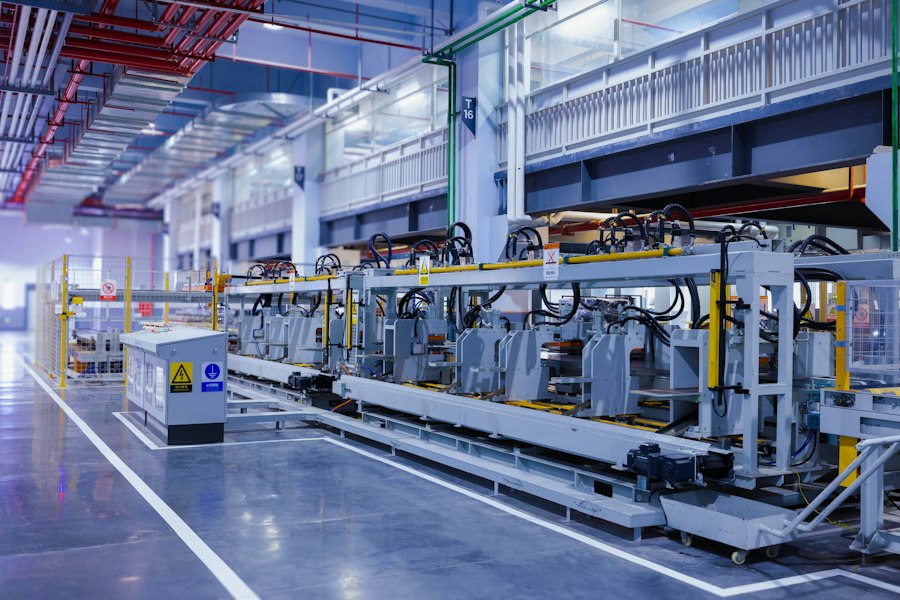
The administrative side of any business, especially HVAC, is often where a lot of time gets eaten up. Automating financial and reporting tasks can be a game-changer.
Automated Invoicing and Payment Reminders
Generating invoices manually for every job, then tracking payments and sending reminders, is a huge time sink. Automating your invoicing means that once a job is complete and approved, an invoice is automatically generated and sent to the customer. For outstanding invoices, the system can be configured to send polite payment reminders at specified intervals. This significantly reduces administrative effort, improves cash flow by encouraging prompt payments, and minimizes the need for manual accounts receivable follow-up.
Expense Tracking and Categorization
Technicians are constantly incurring expenses, whether for parts, fuel, or tolls. Manually collecting receipts, submitting expense reports, and categorizing everything for accounting can be a tedious process for everyone involved. Automating expense tracking often involves mobile apps where technicians can snap a picture of a receipt, add relevant details, and the system automatically categorizes it and attaches it to the relevant job or employee. This saves hours for both technicians and administrative staff, reduces errors, and makes tax season much less stressful.
Performance Report Generation
Understanding your business’s performance is crucial, but manually compiling data from various sources into meaningful reports is incredibly time-consuming. Automating performance report generation means your CRM or field service management software can pull data on job completion rates, customer satisfaction scores, technician efficiency, revenue per service type, and more, then generate regular reports without manual intervention. This provides insights quickly, allowing you to make data-driven decisions without dedicating valuable staff hours to report compilation.
Integrating Systems for Maximum Impact
The true power of automation often comes from getting different software systems to talk to each other. When your CRM, accounting software, and field service management tools are integrated, the benefits compound.
CRM to Field Service Management Integration
Imagine a customer calls for service. Instead of manually transferring their information from your CRM into your field service management (FSM) software to schedule a technician, an integration does it automatically. When a new service request is logged in the CRM, it can instantly create a work order in the FSM, pulling over customer details, service history, and any notes. This eliminates duplicate data entry, reduces errors, and ensures that technicians always have the most up-to-date information before arriving on site, saving valuable time and improving service accuracy.
Field Service Management to Accounting Software Integration
Once a job is completed and approved in your FSM system, the information needs to flow to your accounting software for invoicing and payment processing. Without integration, this means manual data entry, which is ripe for errors and time-consuming. With integration, the completed job details (parts used, labor hours, total cost) are automatically pushed to your accounting software, where an invoice can be generated. This streamlines your billing process, ensures accuracy between operational and financial records, and drastically reduces the time spent on administrative tasks.
Website Forms to Lead Management Automation
Your website is a constant source of potential leads. When a customer fills out a “request a quote” or “schedule service” form, that information needs to go somewhere useful. Automating this means that when a form is submitted, the data is automatically captured and pushed into your CRM as a new lead. From there, it can trigger an immediate automated email response to the customer (e.g., “Thanks for your inquiry, we’ll be in touch soon!”), and assign the lead to the appropriate sales team member. This ensures no lead falls through the cracks, response times are improved, and your sales team can jump on hot leads faster, without any manual data transfer.
Practical Steps to Get Started with Automation
| HVAC Task | Automation Tool | Time Saved Weekly (hours) | Benefits |
|---|---|---|---|
| System Performance Monitoring | IoT Sensors & Cloud Analytics | 3 | Early fault detection, reduces downtime |
| Filter Replacement Alerts | Smart Sensors | 1 | Ensures air quality, prevents system strain |
| Temperature Scheduling | Smart Thermostats | 2 | Energy savings, improved comfort |
| Remote Diagnostics | Mobile Apps & Remote Access | 2 | Faster troubleshooting, reduces site visits |
| Energy Usage Reporting | Automated Reporting Software | 1.5 | Identifies inefficiencies, cost reduction |
| Maintenance Scheduling | Automated Calendar & Alerts | 1 | Prevents missed maintenance, extends equipment life |
| Inventory Management | Automated Stock Tracking | 1 | Ensures parts availability, reduces delays |
| Customer Communication | Automated Email & SMS | 1.5 | Improves customer satisfaction, reduces manual follow-up |
| Work Order Generation | Automated Workflow Systems | 1 | Speeds up task assignment, reduces errors |
| Compliance Documentation | Digital Record Keeping | 0.5 | Ensures regulatory compliance, easy audits |
Diving into automation might seem overwhelming, but breaking it down into manageable steps makes it much more achievable. You don’t have to automate everything at once.
Identify Your Biggest Time Sinks
Start by figuring out where you and your team spend the most time on repetitive tasks. Is it scheduling? Invoicing? Answering common customer questions? Talk to your team and observe daily operations. Pinpointing these areas will help you prioritize which automation efforts will yield the biggest returns. Don’t try to automate a task that only takes 5 minutes a week; focus on the ones that consume hours.
Research and Choose the Right Tools
Once you know what you want to automate, research the software and platforms that can help. This might mean investing in a comprehensive field service management (FSM) system, a customer relationship management (CRM) platform, or specialized scheduling and communication tools. Look for solutions that offer the specific automation features you need and consider their integration capabilities with your existing software. Don’t be swayed by every bells and whistle; focus on what solves your immediate problems.
Start Small and Scale Up
You don’t need to revolutionize your entire operation overnight. Pick one or two key areas to automate first. For example, start with automated appointment reminders or inventory level alerts. Implement them, train your team, and iron out any kinks. Once you’ve successfully automated these initial tasks and seen the benefits, you can then gradually expand to other areas. This iterative approach makes the transition smoother and less disruptive to your daily operations.
Train Your Team and Get Buy-In
Automation isn’t just about the technology; it’s about people adopting new workflows. Ensure your team understands why you’re automating (to free them up for more rewarding work, to improve efficiency, to reduce errors) and how to use the new tools effectively. Provide thorough training and be open to their feedback. Their insights are invaluable for optimizing the automation process and ensuring its successful implementation. Without team buy-in, even the best automation tools can fail.
Regularly Review and Optimize
Automation isn’t a “set it and forget it” solution. Business needs evolve, and software updates. Regularly review your automated processes to ensure they’re still meeting your needs, identify any bottlenecks, or see if new features can further enhance efficiency. Collect feedback from your team and customers. Are the automated reminders clear? Are the reports providing the right insights? Continuous optimization ensures your automation efforts remain effective and continue to save you hours every week.
